
How Setup Smartcentral Kiosk
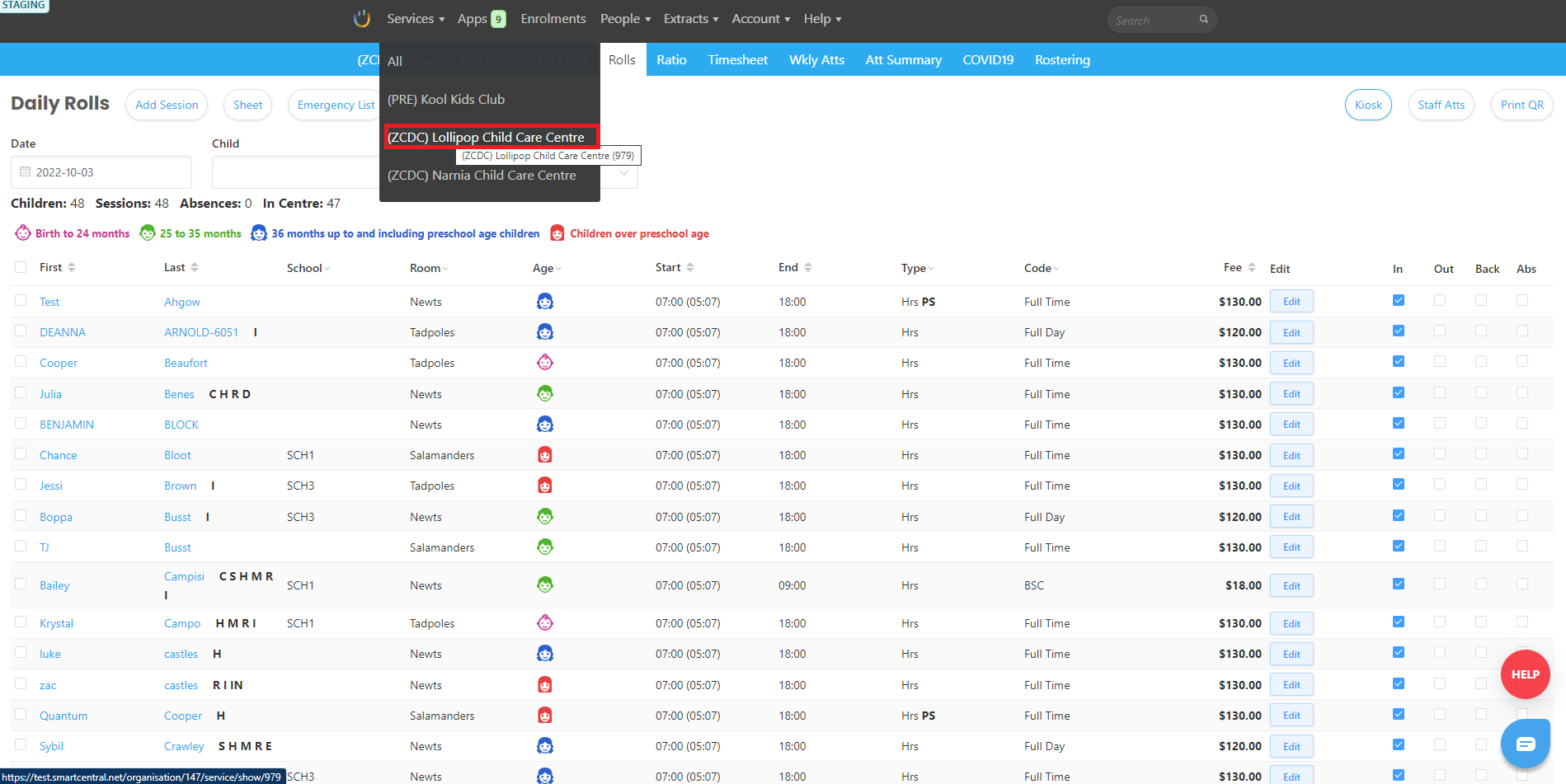
1. Login to Smart Central. Click Services from the top menu bar. |
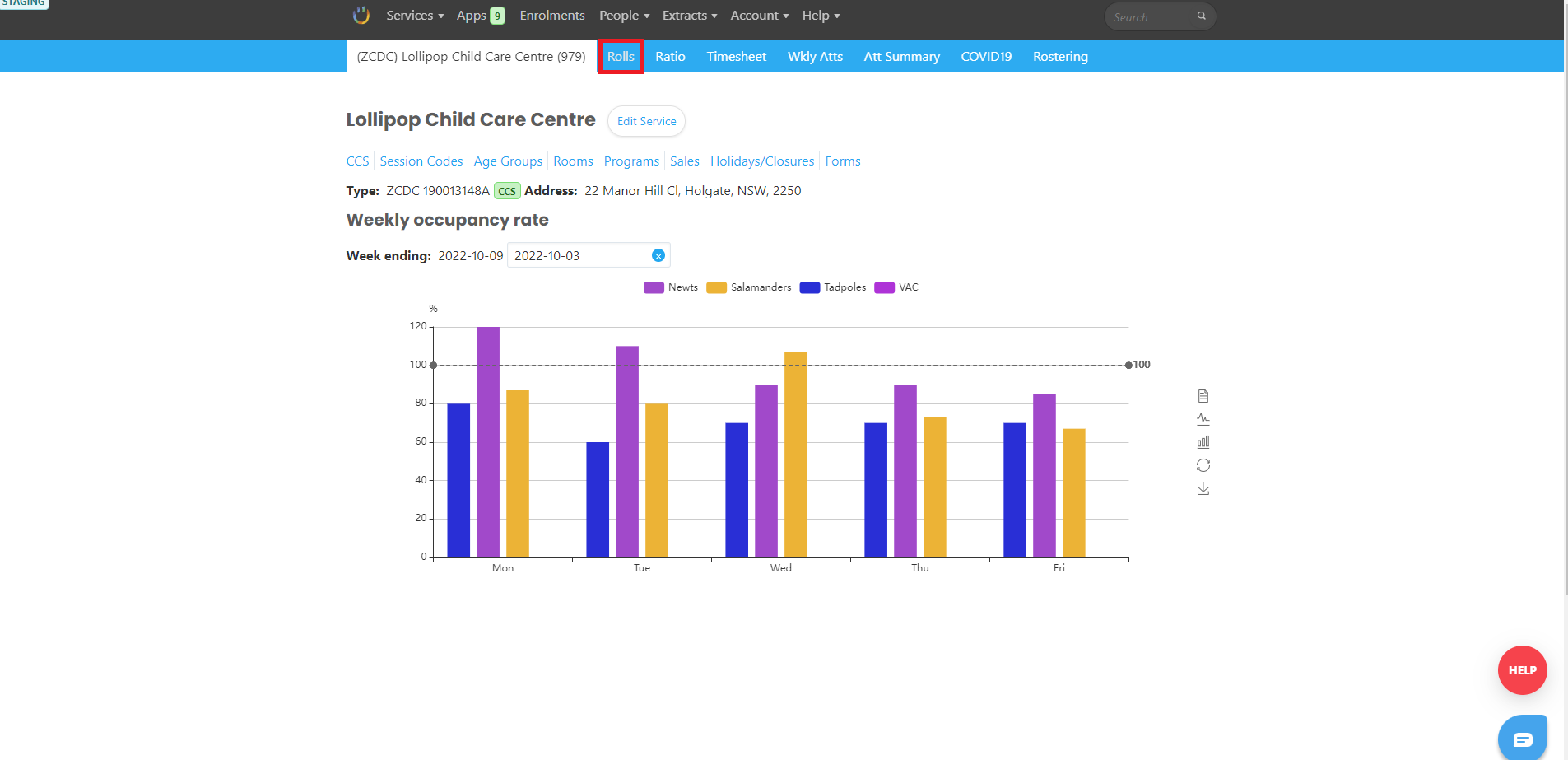
2. On the dropdown menu select the centre. The Centre details page appears. |
|
3. Then, click Rolls. Rolls page appears. |
|
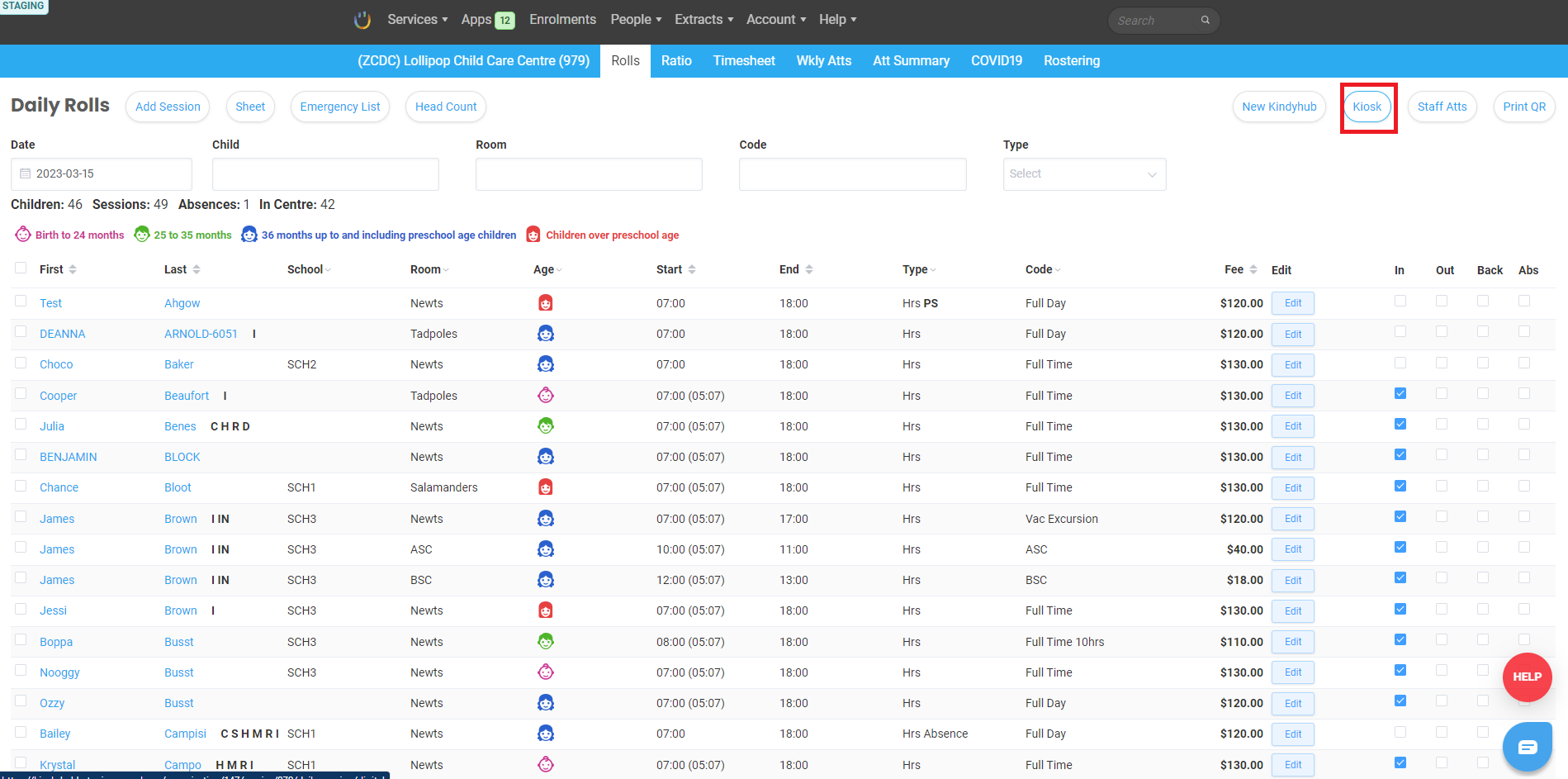
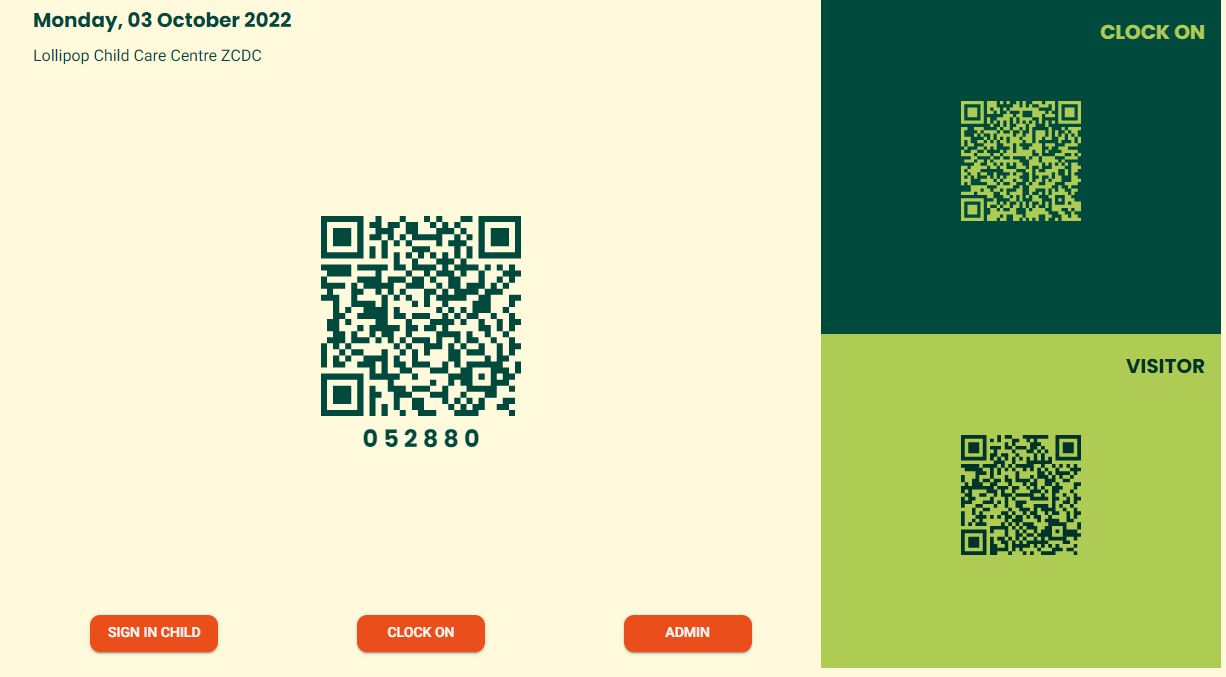
4. On the Rolls page, click Kiosk. The kiosk page appears |
|
|
Did this answer your question?
If you still have a question, we’re here to help. Contact us