This procedure outlines how to locate and complete the Earlyworks child transition form for transferring a child between studios. It ensures compliance with organizational standards for accurate and timely form processing.
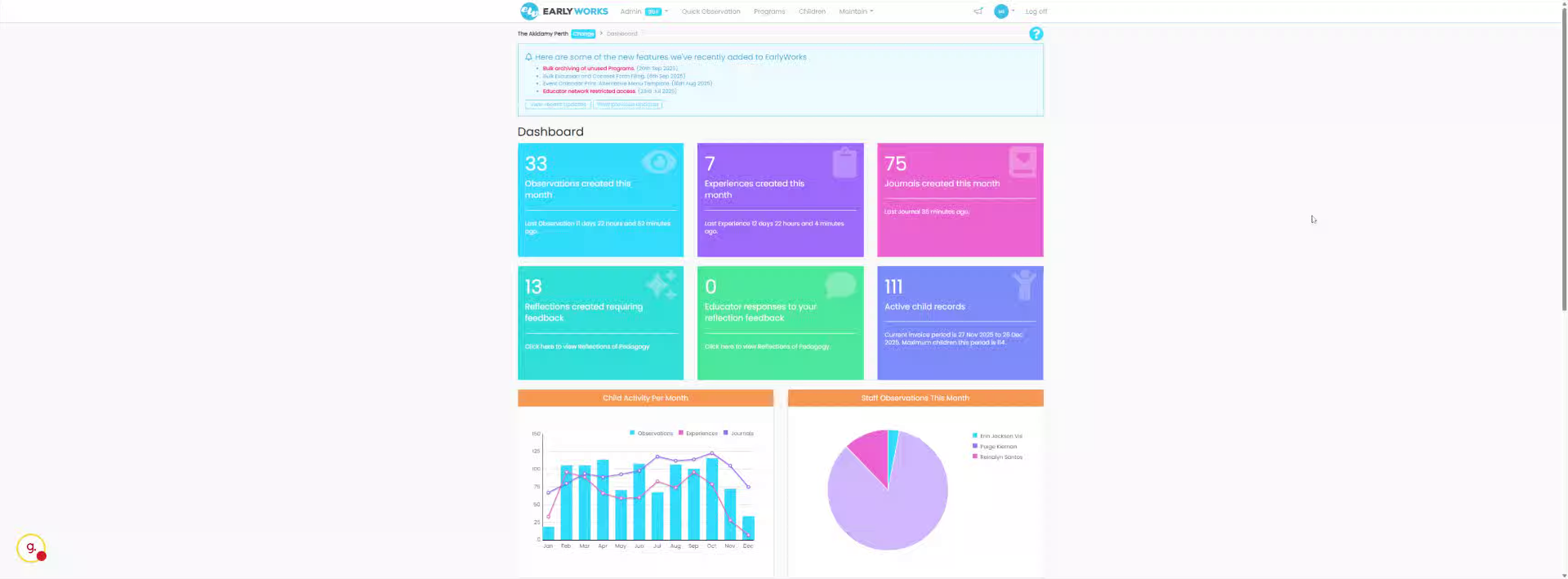
1. Access Maintain Section
Okay, so we go into maintain.
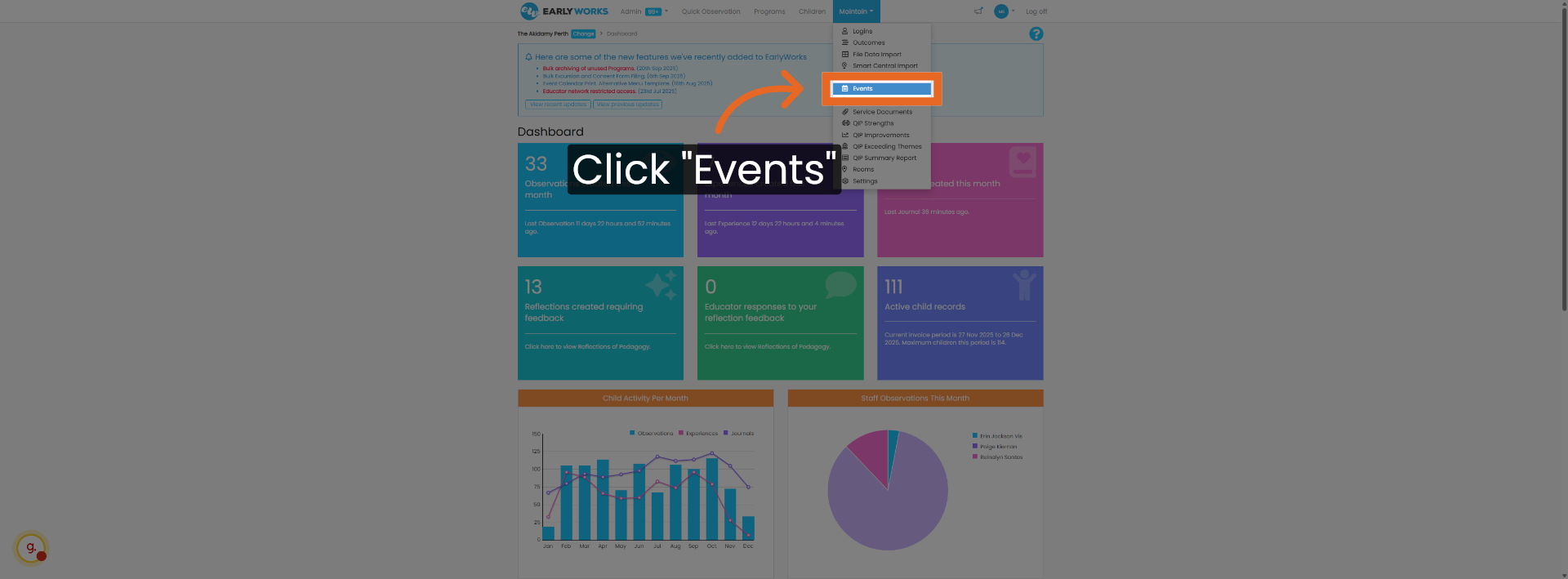
2. Open Events Menu
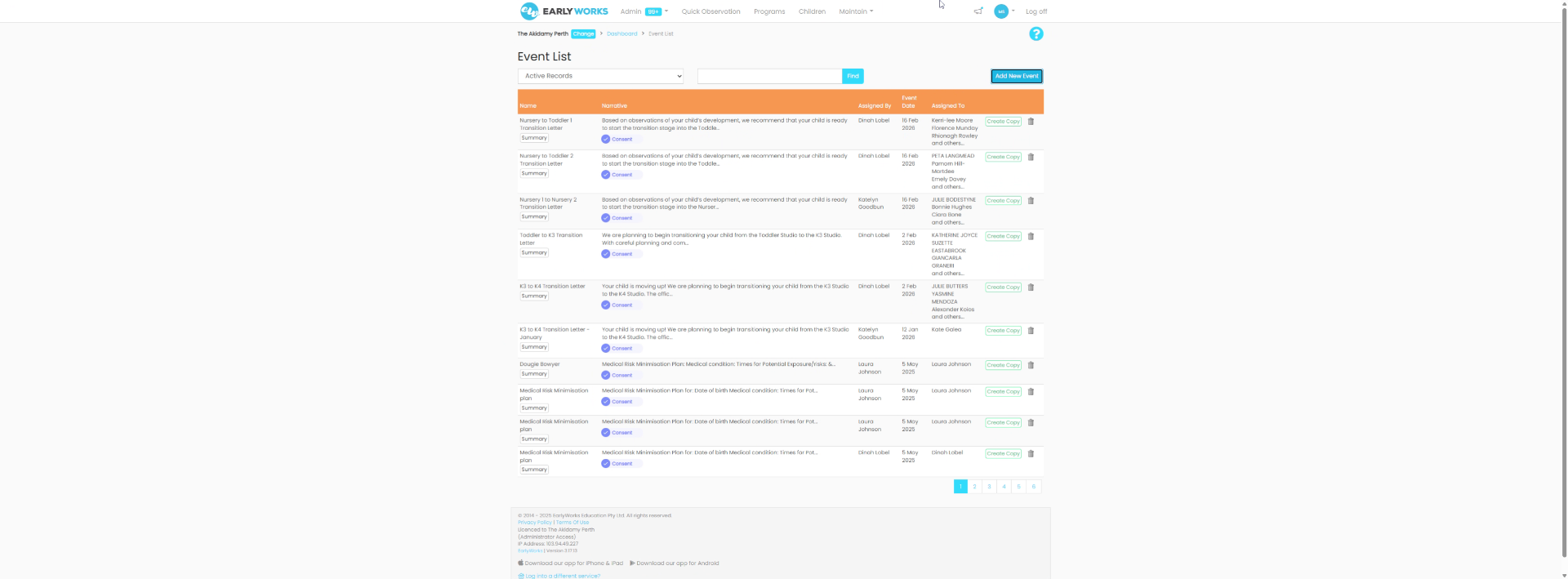
Click the Events menu to access event-related options within Earlyworks.
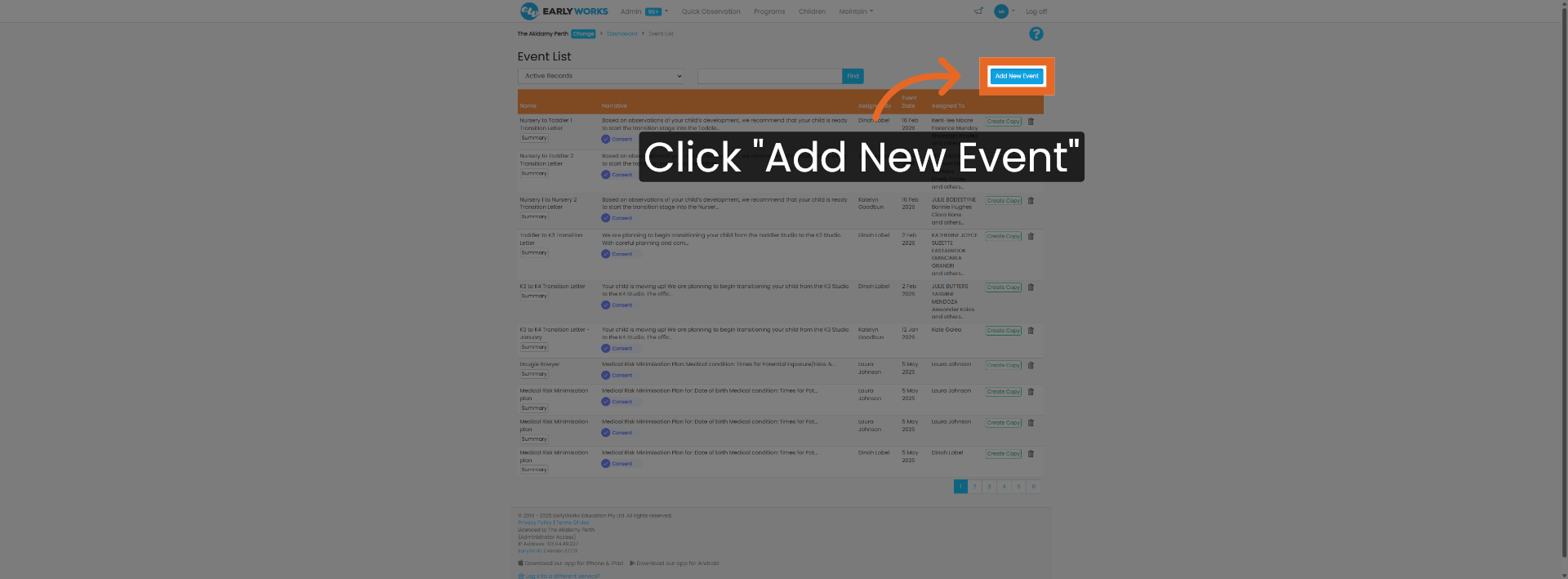
3. Initiate New Event Creation
Click Add New Event to start creating a new event record in the system.
4. Select Activity and Consent Form
Select activity and consent form.
5. Complete and Submit Form
Fill in all these items then. We save and send it.
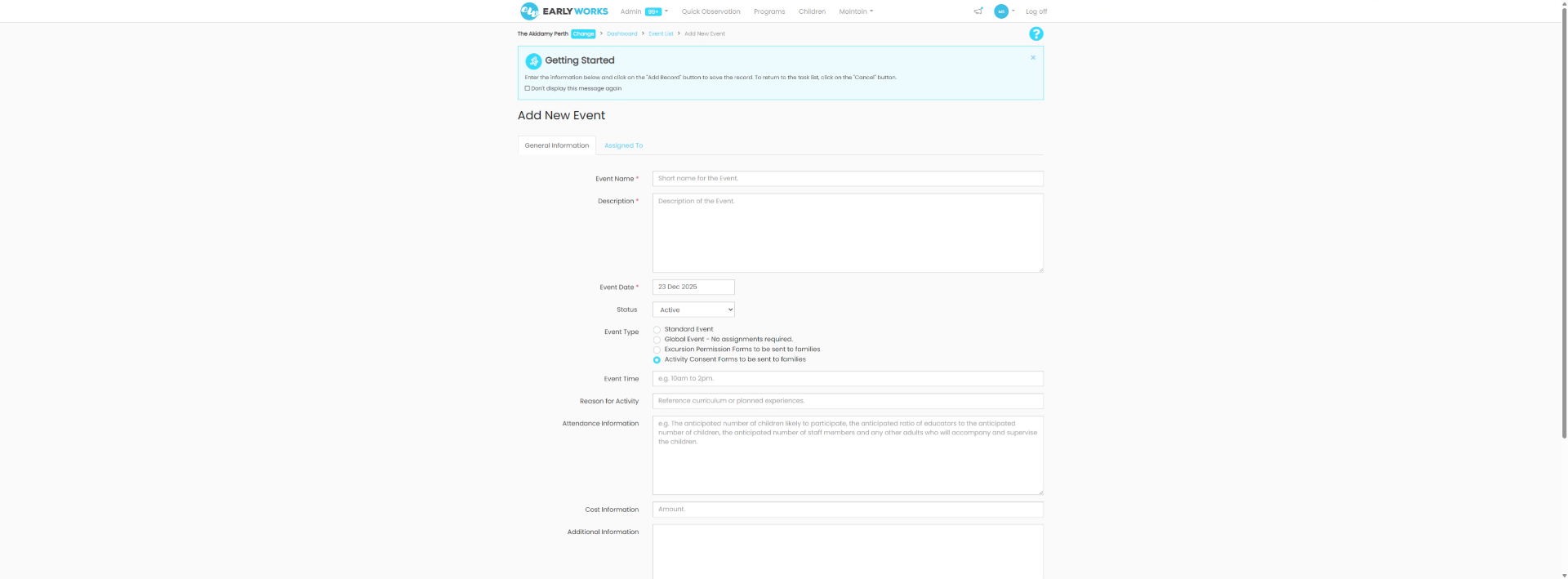
This procedure guides locating and completing the Earlyworks child transition form by navigating through the maintain section, accessing events, creating a new event, selecting the appropriate forms, and submitting the completed information.