This procedure outlines the steps for staff members to locate their roster within Employment Hero
1. Introduction
It ensures consistent access to scheduling information for operational compliance.
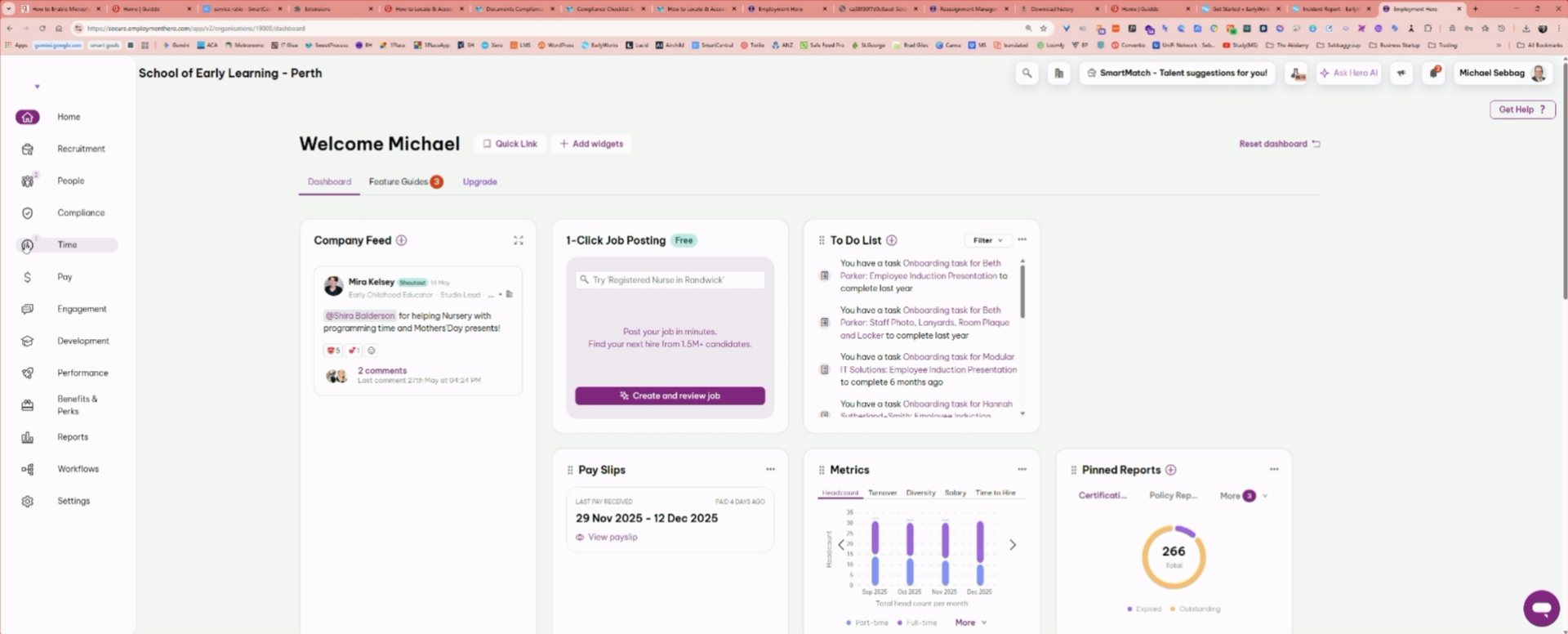
2. Select Time Option
Click the "Time" option to view time-related settings and records.
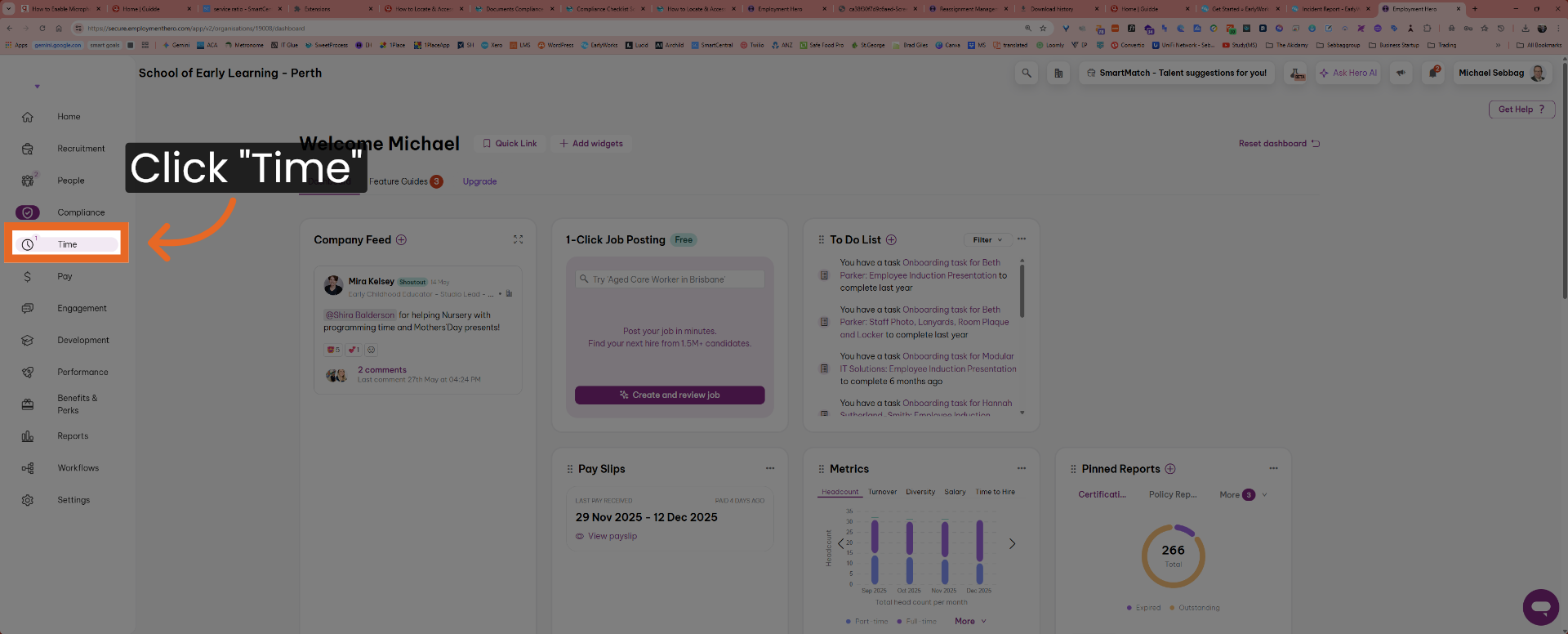
3. Navigate to Rosters
Click the "Rosters" tab to access staff scheduling details.
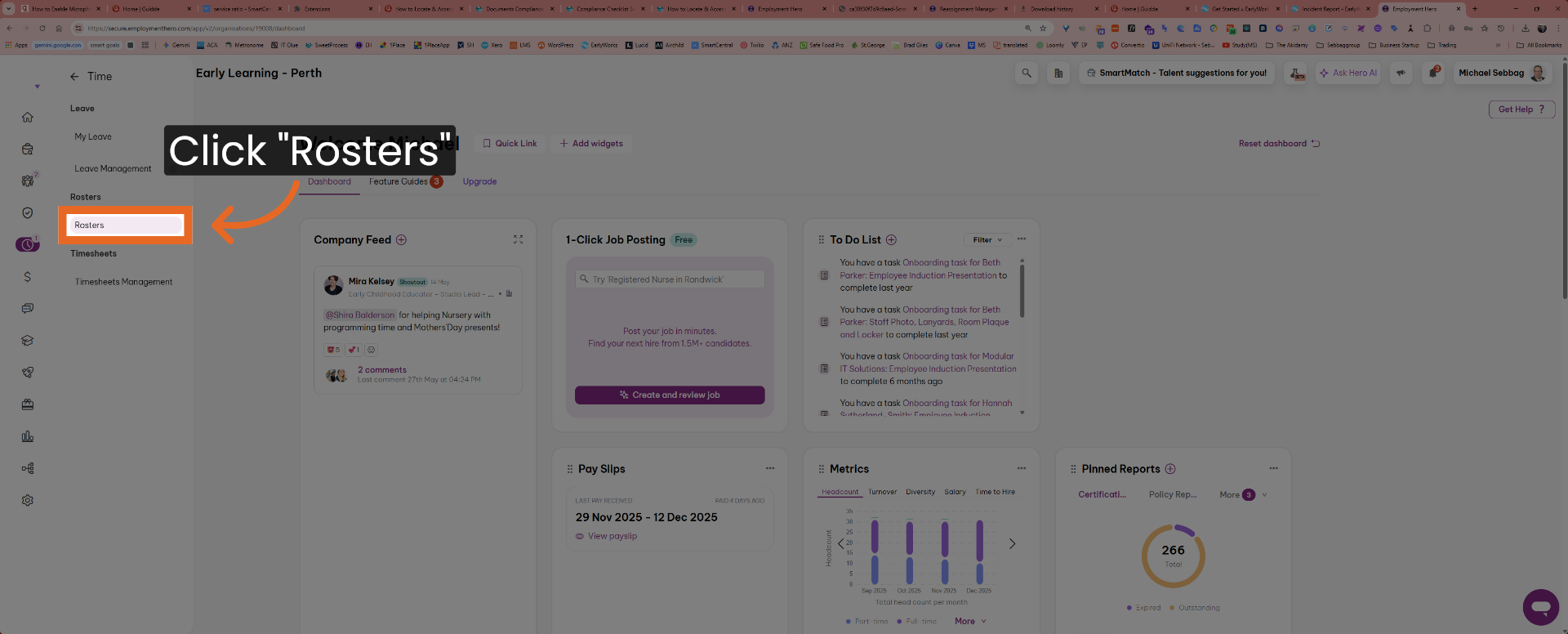
4. View Today's Roster
Click the "Today" button to display the roster for the current day.
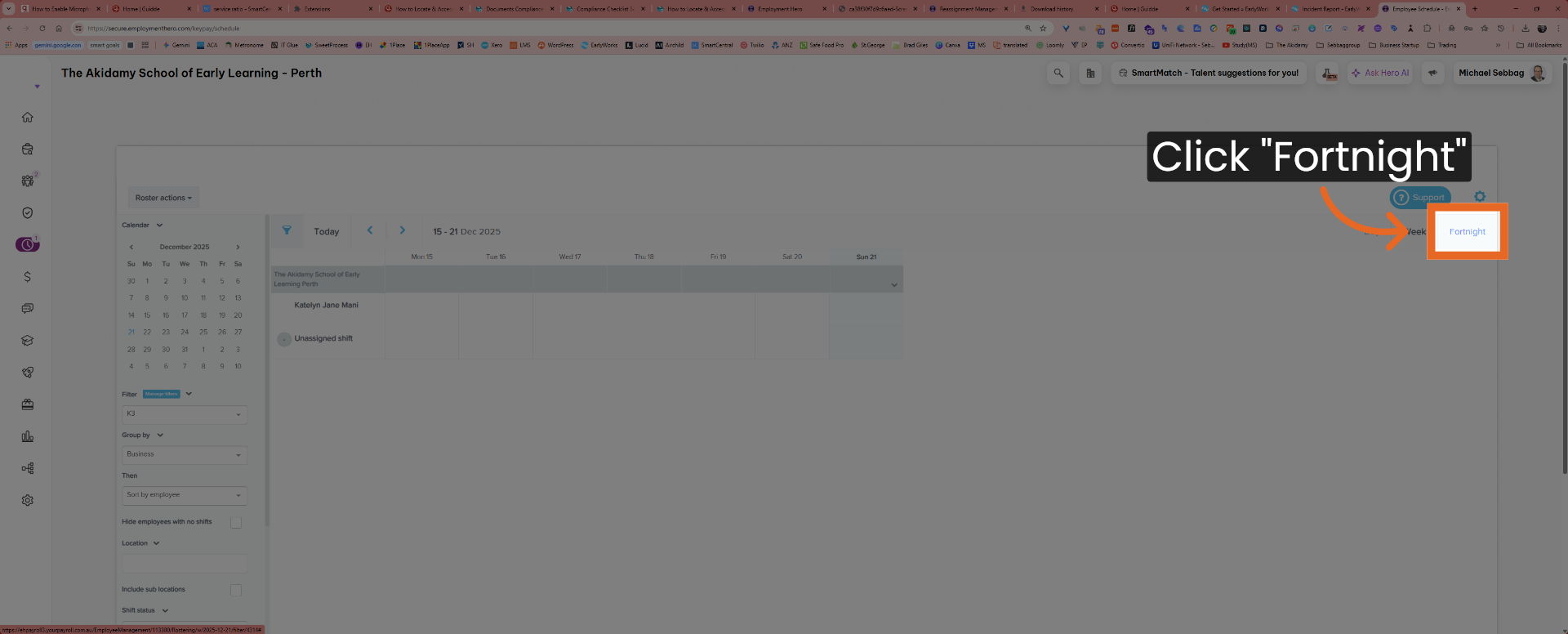
5. Switch to Fortnight View
Click the "Fortnight" option to view the roster over a two-week period.
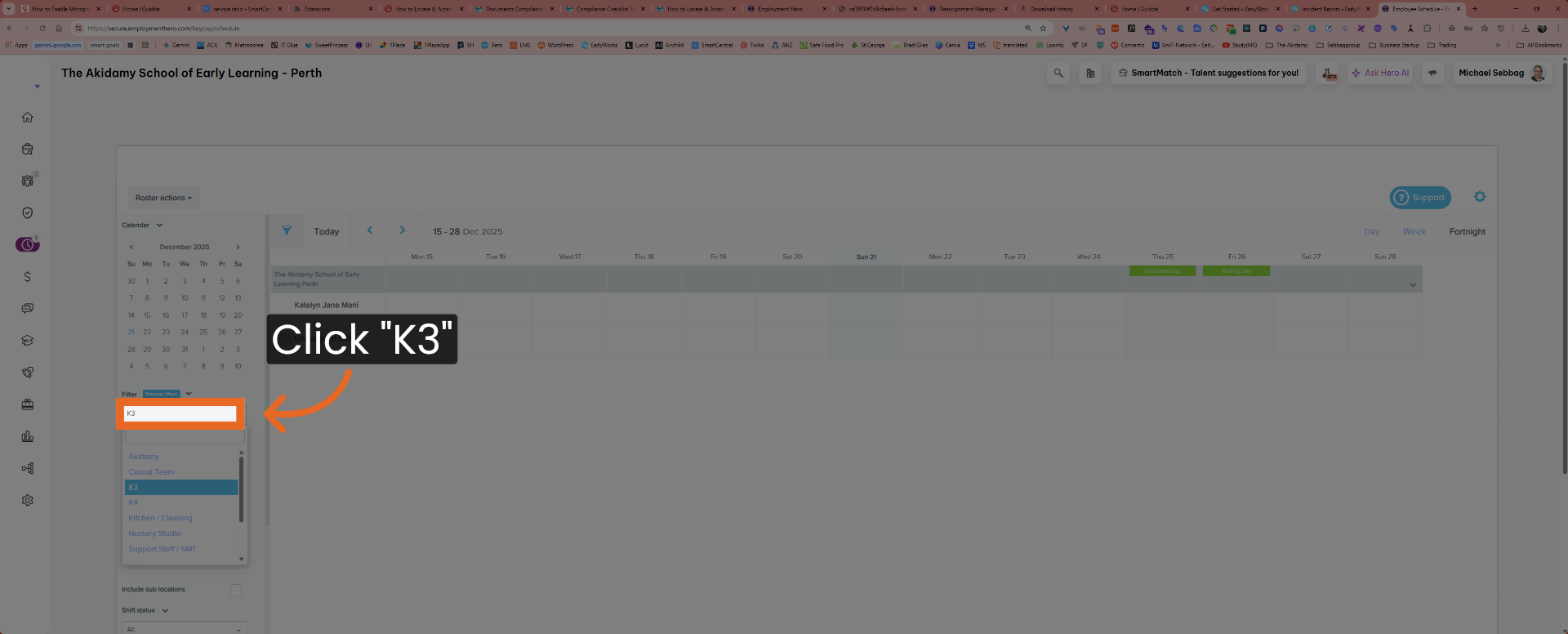
6. Choose K3 Roster
Click the "K3" roster to select the specific team or location schedule.
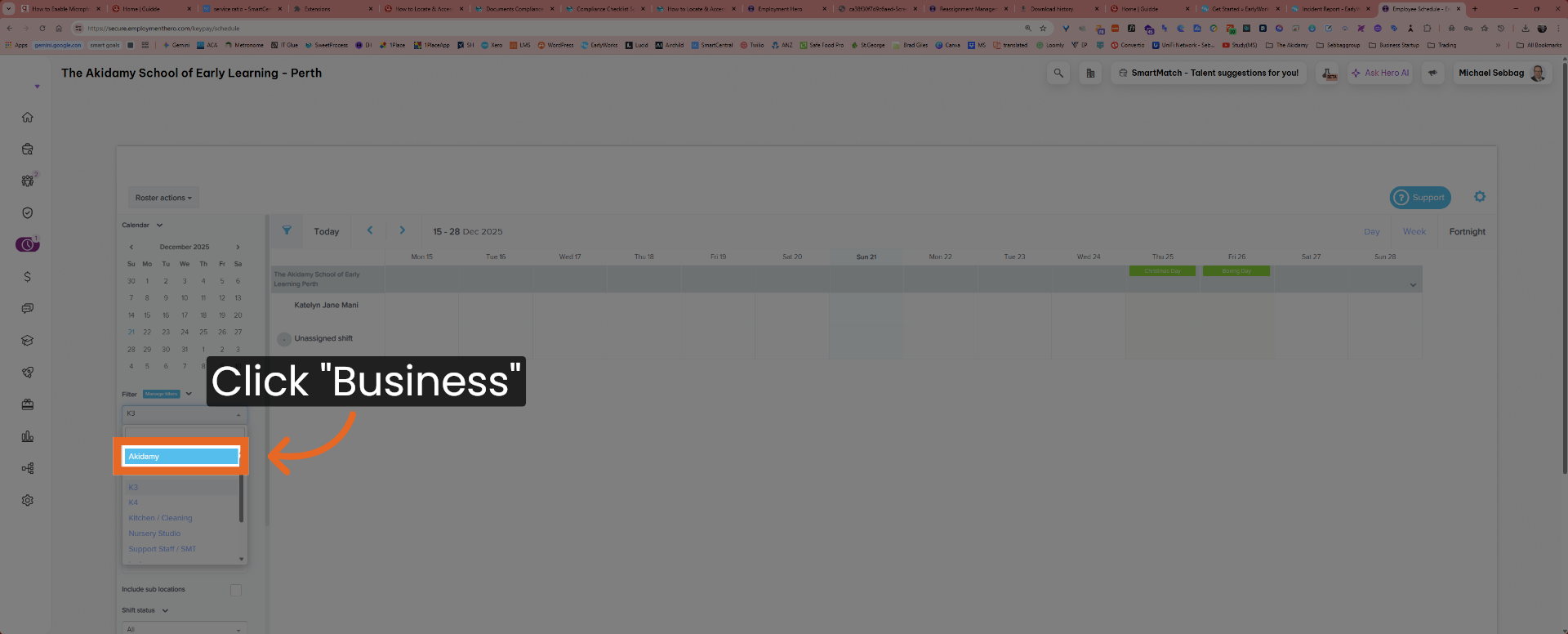
7. Select Business Roster
Click the "Business" roster to view the overall business schedule.
This procedure details the exact steps for staff members to locate and view their roster in Employment Hero, ensuring accurate access to daily and fortnightly schedules for compliance and operational efficiency.