This procedure outlines how to access detailed information regarding children enrolled in the service. This includes their medical records, cultural needs, parental details, and additional child-specific information such as parental authorisations and supplementary documents.
1. Introduction
It provides reliable access to essential child data for compliance and care needs, all conveniently located in Smartcentral.
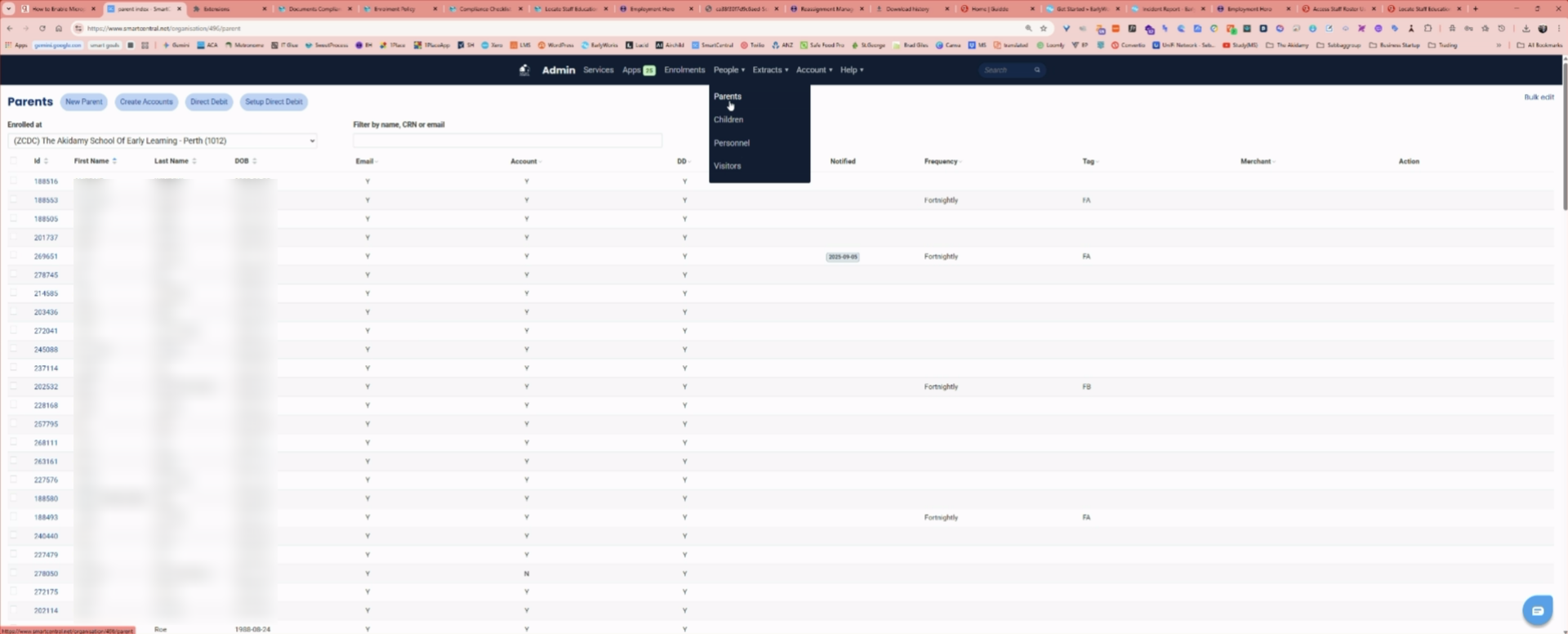
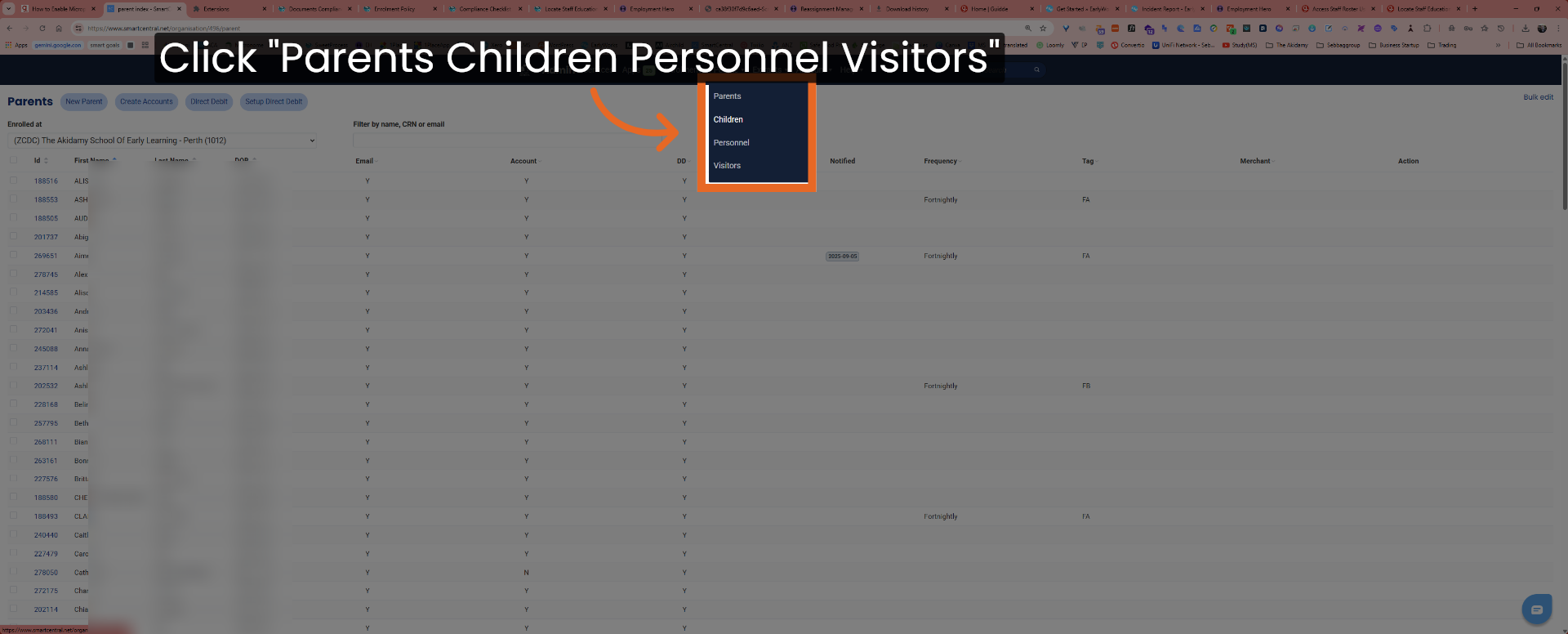
2. Open Parents Children Personnel Visitors
Click the Parents Children Personnel Visitors section to begin accessing child-related information.
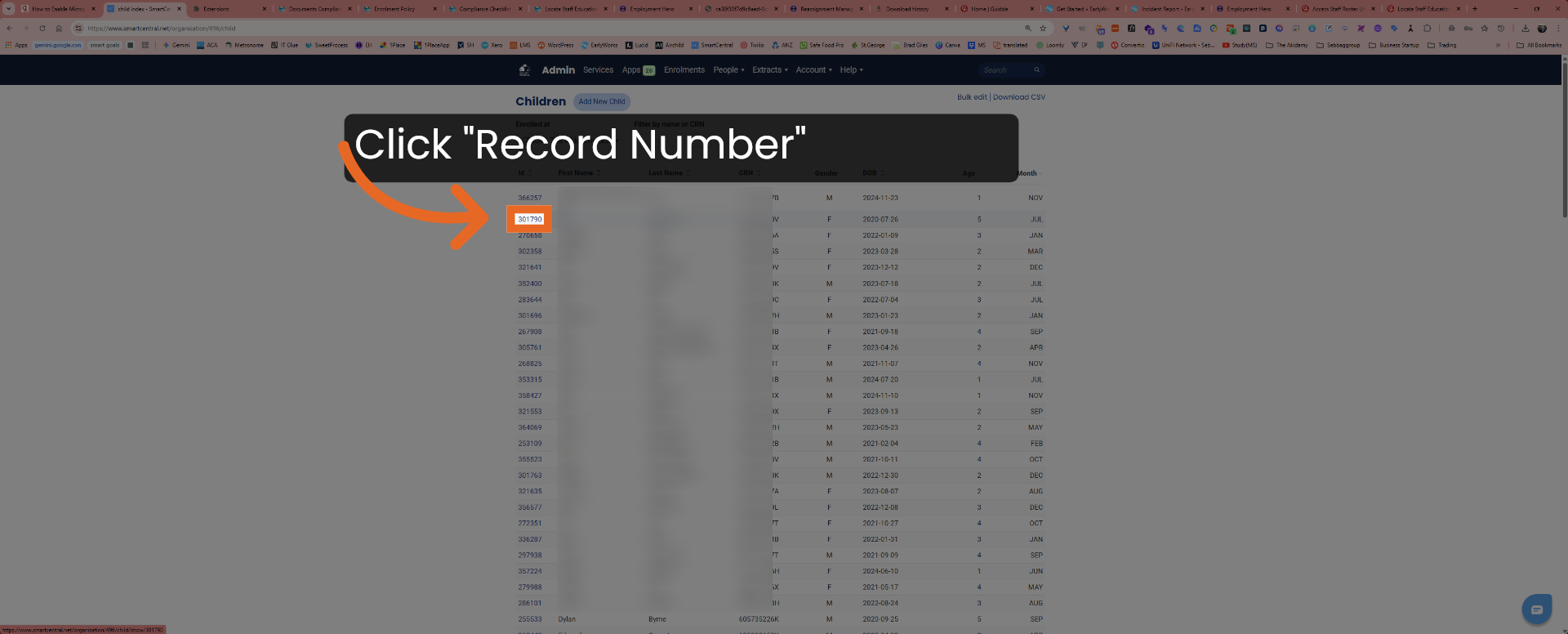
3. Select Child Record
Click the child record associated with the assigned number to view detailed information about the child.
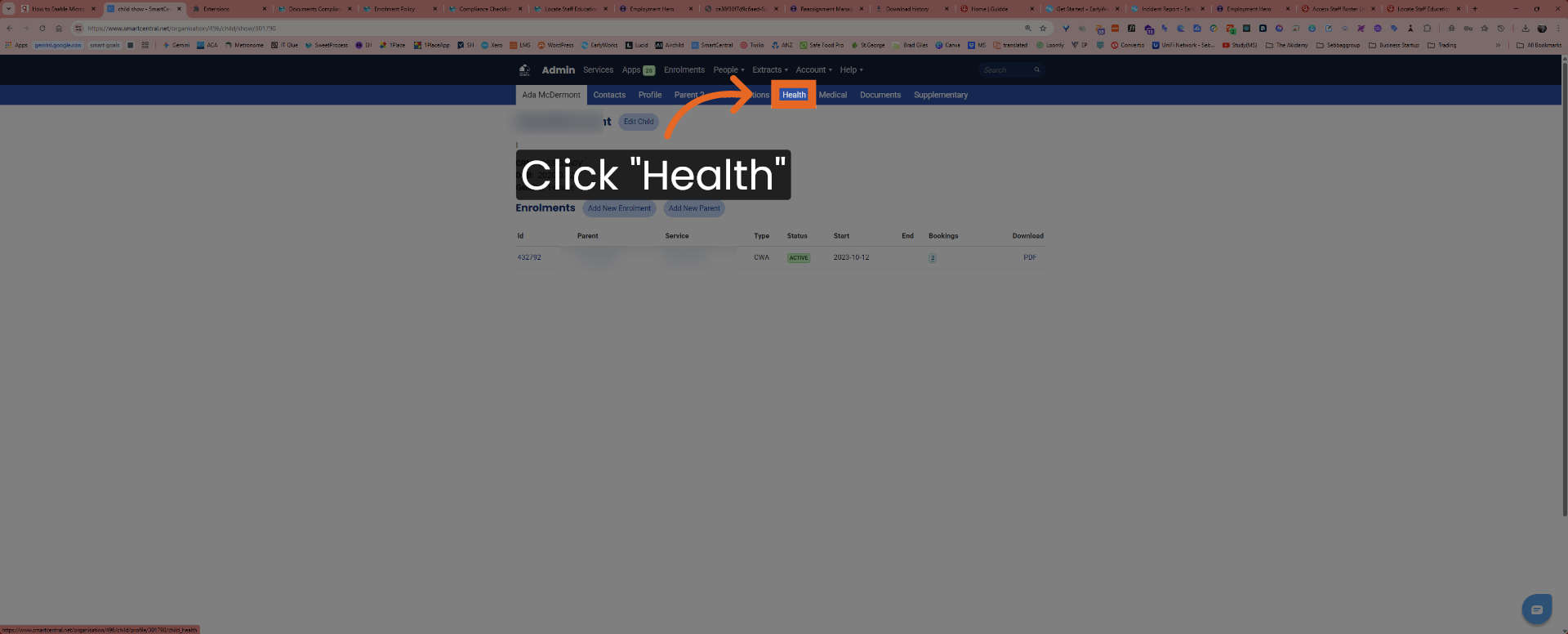
4. Access Health Section
Click the Health tab to review the child's health-related information and records.
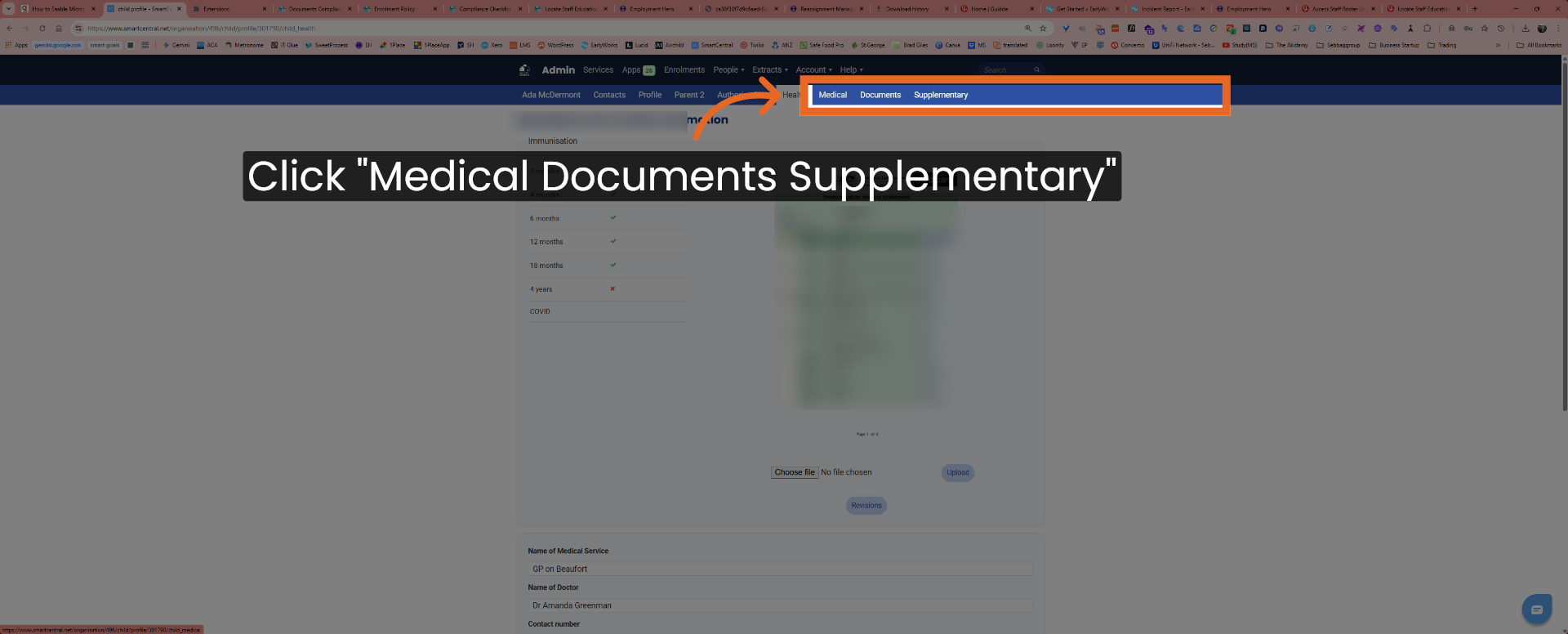
5. Open Medical Documents Supplementary
Click Medical Documents Supplementary to access additional medical documentation for the child.
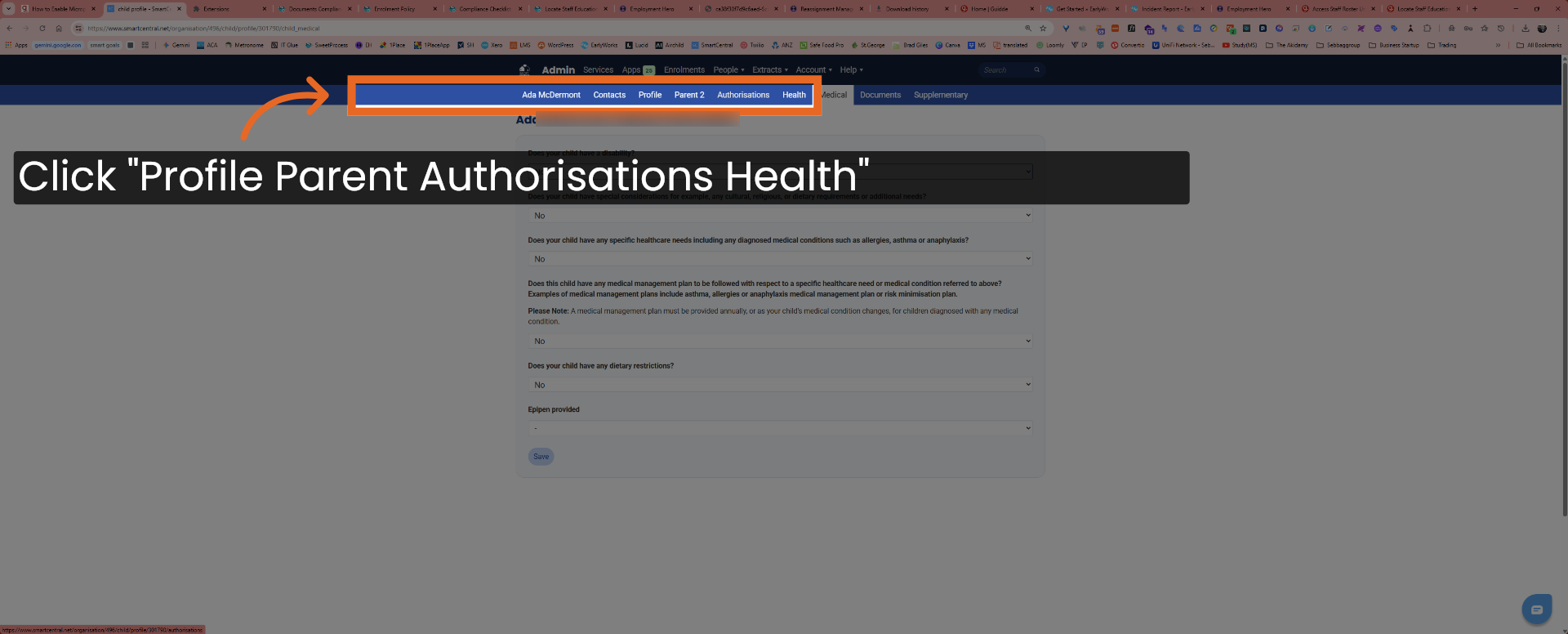
6. View Parent Authorisations And Contacts
Click Ada McDermont Contacts Profile Parent Authorisations Health to review parental authorisations and contact information.
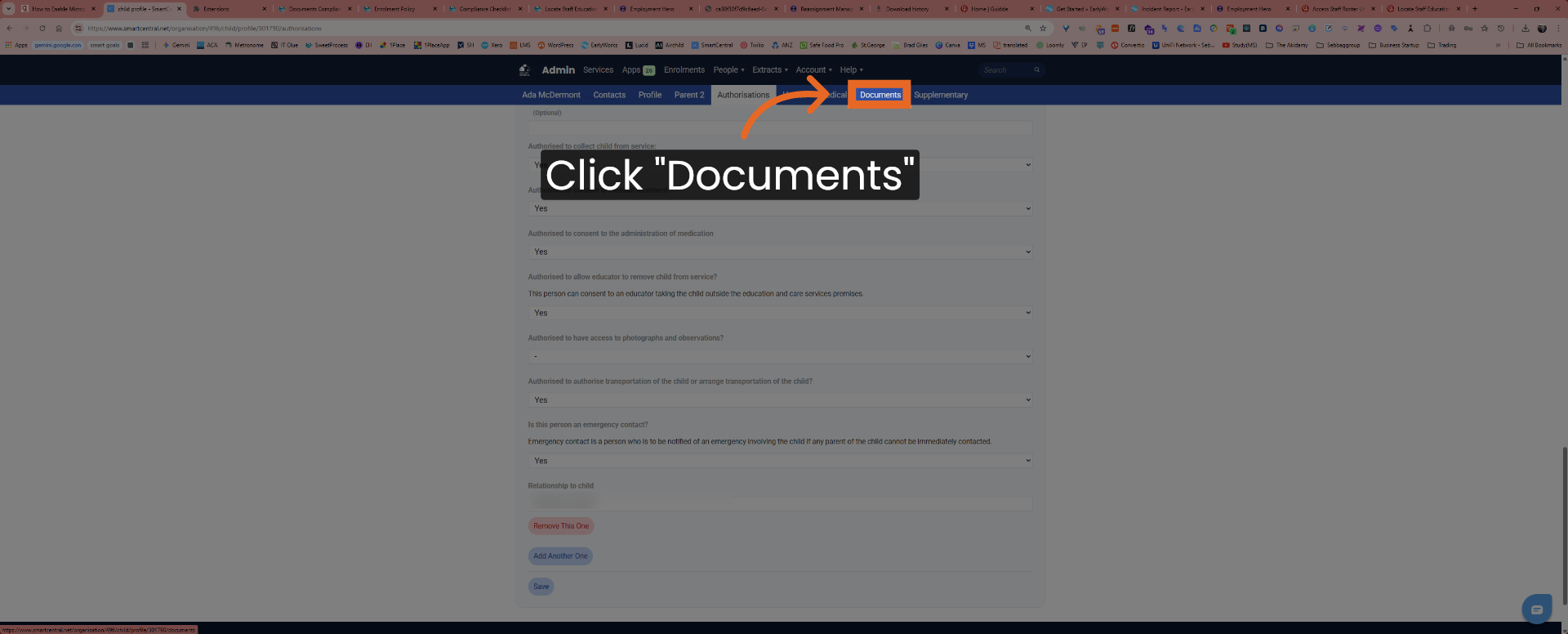
7. Navigate To Documents Tab
Click the Documents tab to access all relevant documents associated with the child.
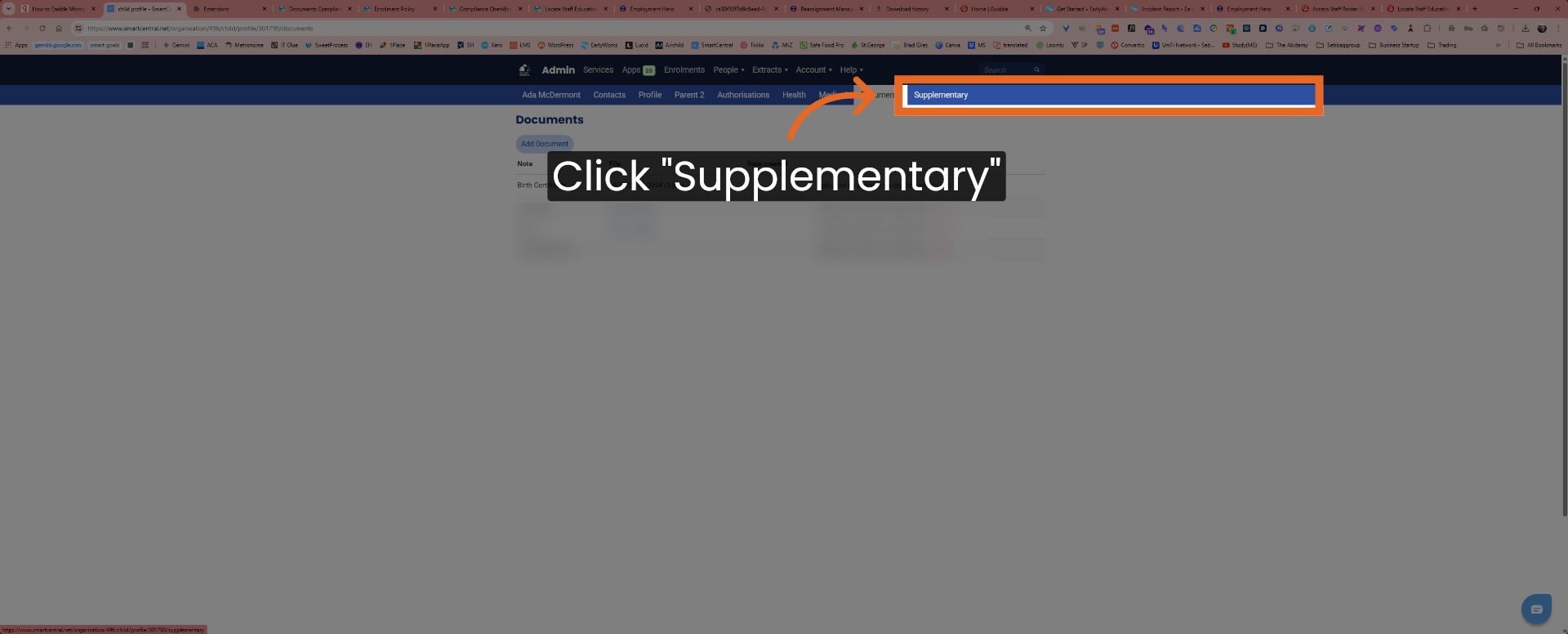
8. Open Supplementary Documents
Click Supplementary to view any additional supplementary documents related to the child's care and requirements.
This procedure successfully guides users through accessing detailed child information, including medical records, parental authorisations, and supplementary documents, ensuring comprehensive data retrieval for service compliance and care management.