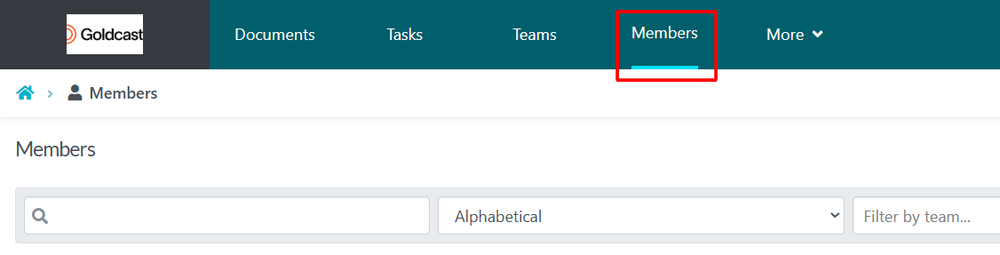
The instructions below will show you how to make an employee a super manager so that they have account-wide access to all procedures and processes in your SweetProcess account and have the ability to approve drafts.
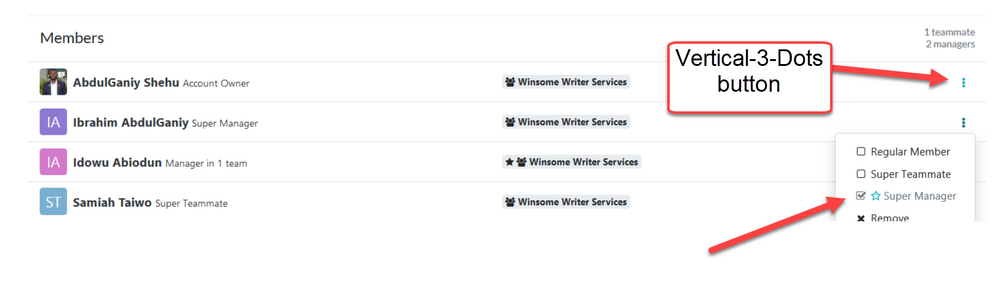
When the page opens, hover your cursor to the name of the employee, you want to make a super manager. Click on the vertical-3-dots button and then click on the “Super Manager” button in the drop-down menu that appears.