The instructions below will show you how to add an employee to a team.
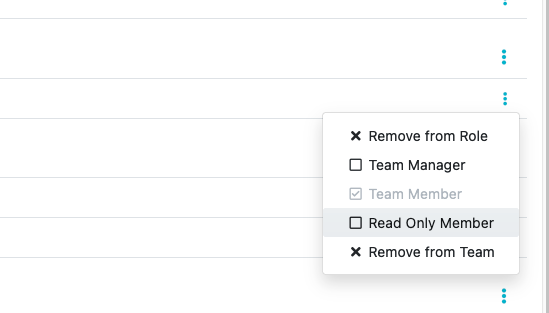
There are a few levels of permission that a team member may have:On the top Navigation Bar click on "Teams"

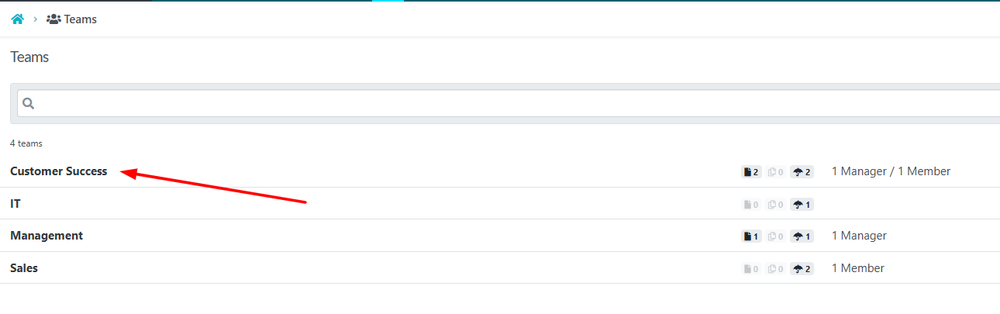
When the “Teams” page opens up, click on the name of the team you want to add an employee to.
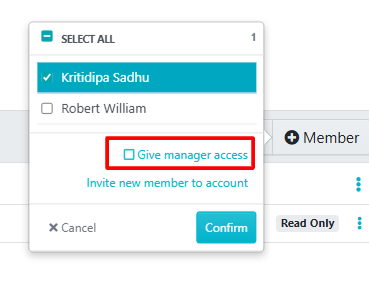
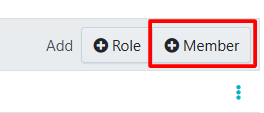
As soon as the team opens up, click on the “+ Member” in the top right-hand side of the page.
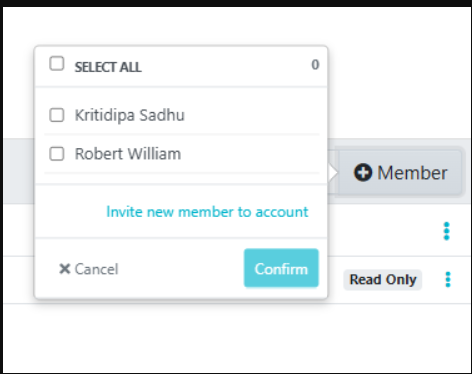
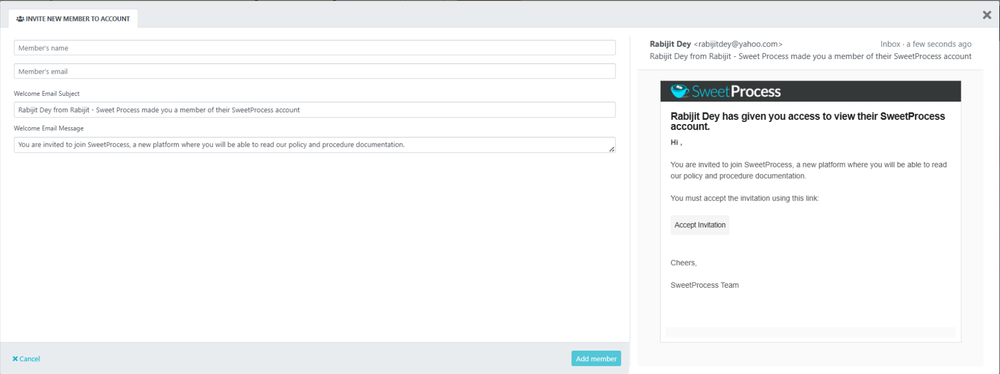
Note: The new member will receive an email with a link to "Accept Invitation." They will not appear as an active member until they have completed their account setup through that link.