The instructions below will show you how to add a new procedure to a process that you have already created.
Navigate to Process and click on the process that you want to add the new procedure into.

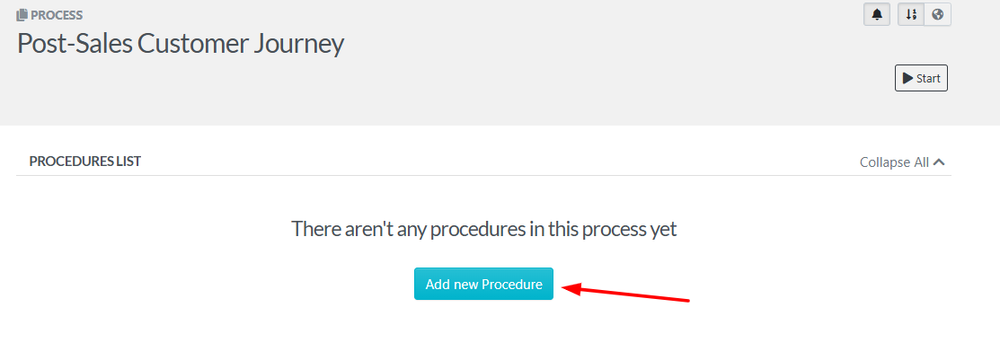
Click on the "Add new Procedure" button to add a procedure to the process.
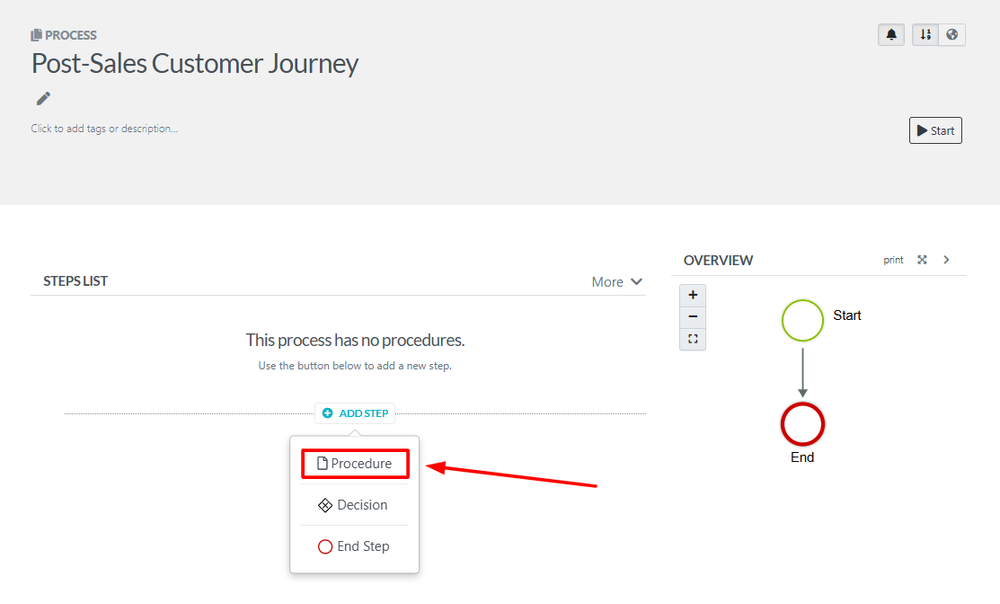
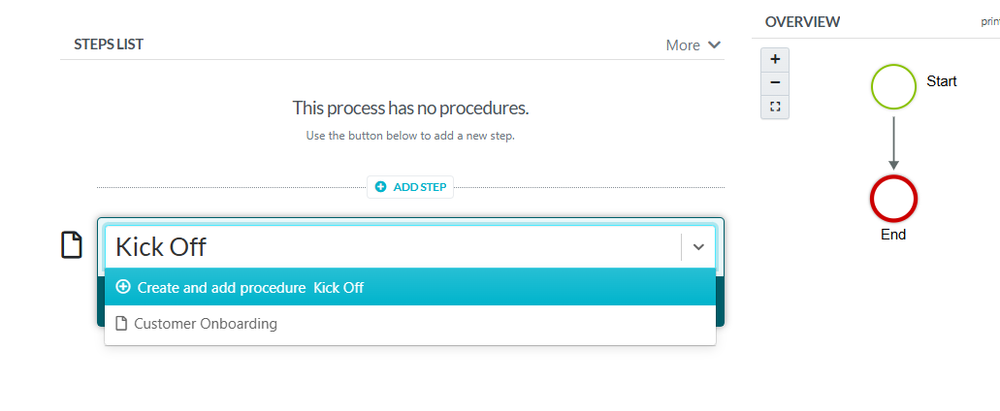
Give the new procedure a name and add it to the process. On the new page that opens up, you will get the name of existing Procedures in the dropdown or enter in the name of the new procedure that you want to add to the process and click the “Create and Add” button.
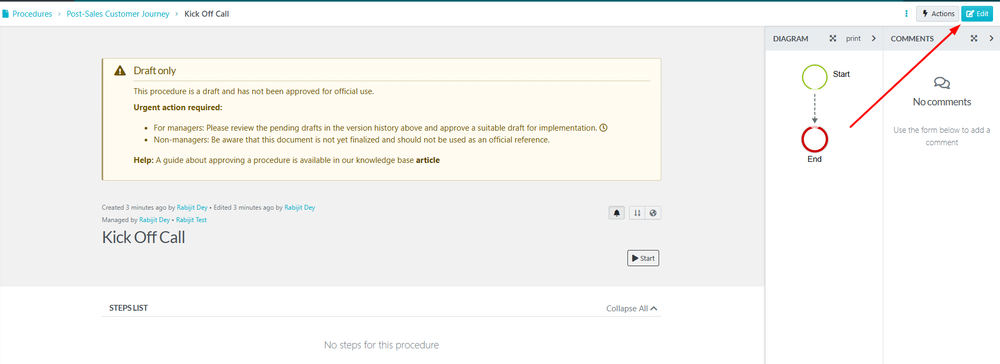
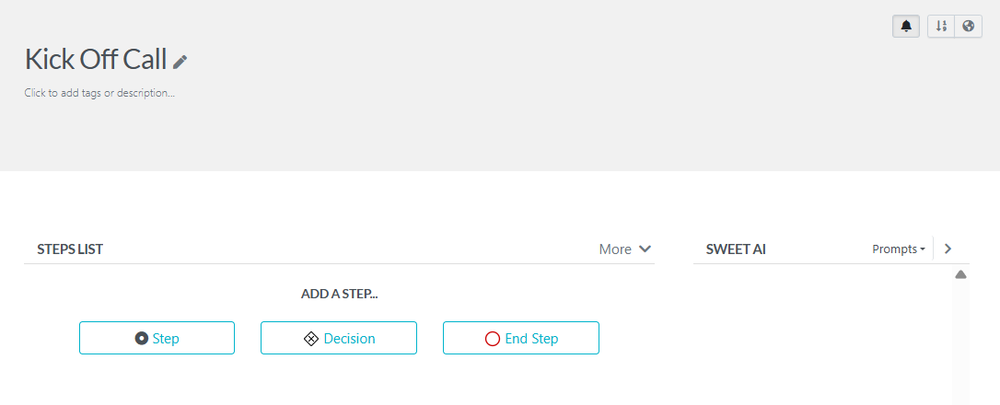
Once the new procedure has been added to the process, click on the procedure and then click on the edit button to complete the details of each step in the procedure.