The instructions below will show you how to add your company logo to SweetProcess so that you can customize it.
By adding your logo, any procedure or policy that you download either as a Word or PDF document will also contain your logo. The logo can be in JPEG or PNG format. Note: for your logo to perfectly fit the space available it must be 210x70 pixels or larger.
From the main navigation bar click on your name, then click on “My Account”.

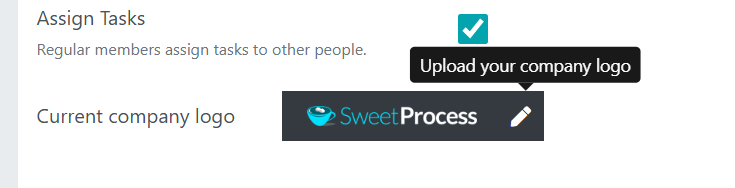
When the new page opens up the "Account Overview" dashboard, Scroll down to the Current company logo section and click on the pencil icon in the current default SweetProcess Logo, and you can upload your own company's logo.