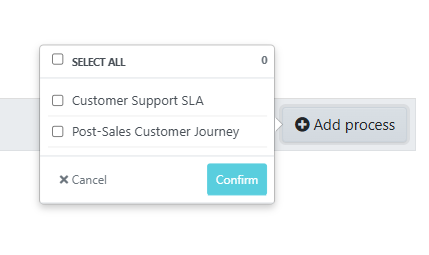
The instructions below will show you how to add a process to a team.
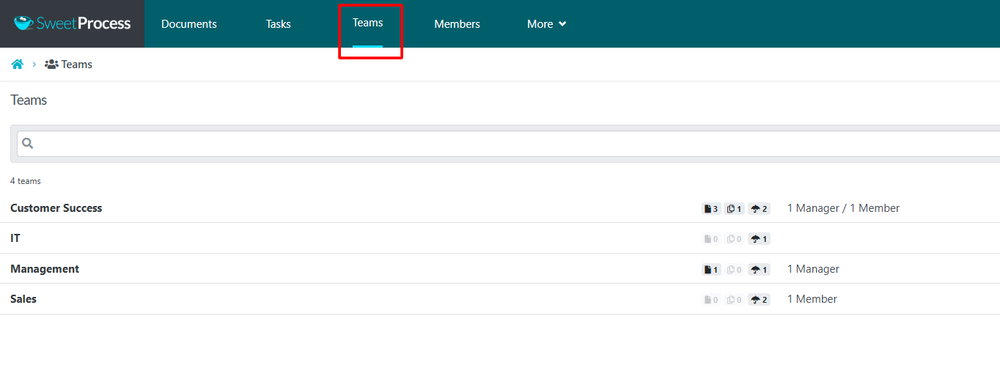
From the top navigation bar, click on the "Teams" Button
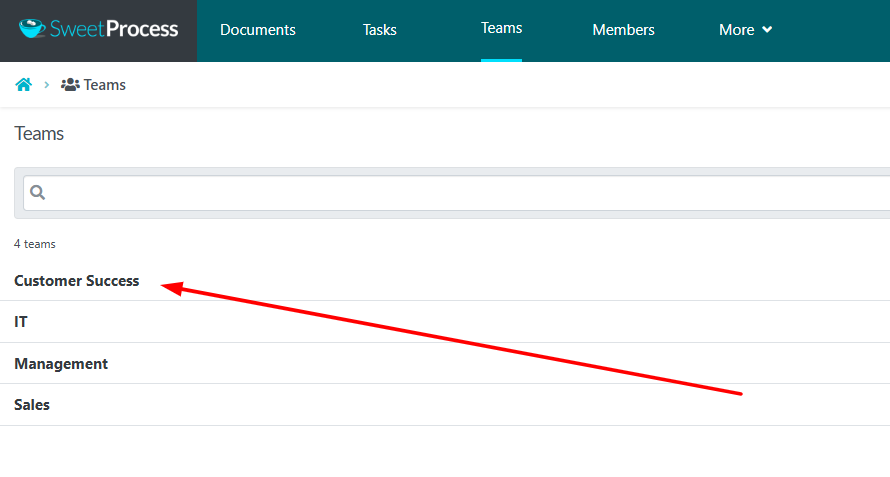
When the “Teams” page opens up, click on the name of the team you want to add the process into.
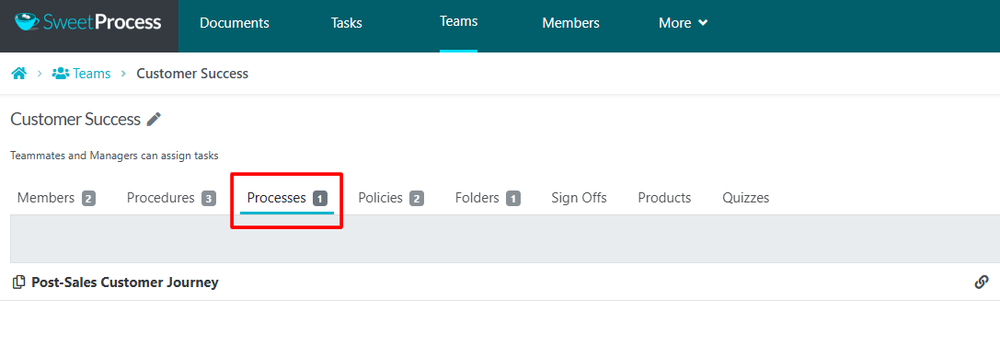
Once the page loads up, click on the “Processes” sub-tab.
As soon as the page opens up, click on the “Add Process” button, to add a process to it.

When the page opens, choose the process you want to add to the team and click on the Confirm button.