A manager of a team can approve changes to procedures, policies and processes in the team. They can remove members of their team, but they cannot remove members from your SweetProcess account.
1
Visit the team you would like a manager in
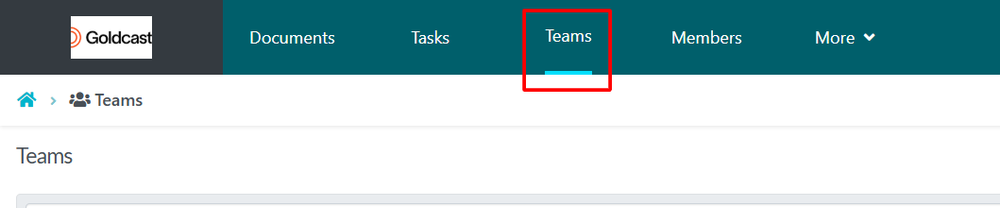
From the top navigation bar, click on the “Teams” button.
2
Promote a member to manager
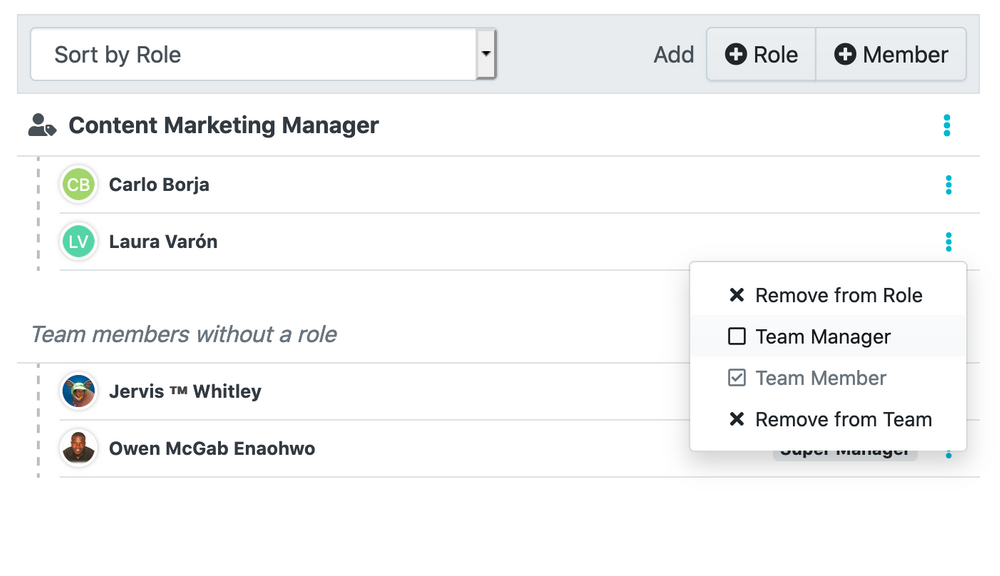
When the team page opens up, click on the 3-vertical-dots button to the right of the member's name and then click on the “Team Manager” checkbox.