
Create & Manage Templates Efficiently in SweetProcess
This tutorial guides you through creating a reusable template in SweetProcess to streamline your workflow. Before starting, ensure you have access to the policies section where templates are managed.
Go to sweetprocess.com
1. Understand Template Setup Importance
Things like it asked all the time is, how can I set up a template? I can use all the time.
2. Identify Template Use Cases
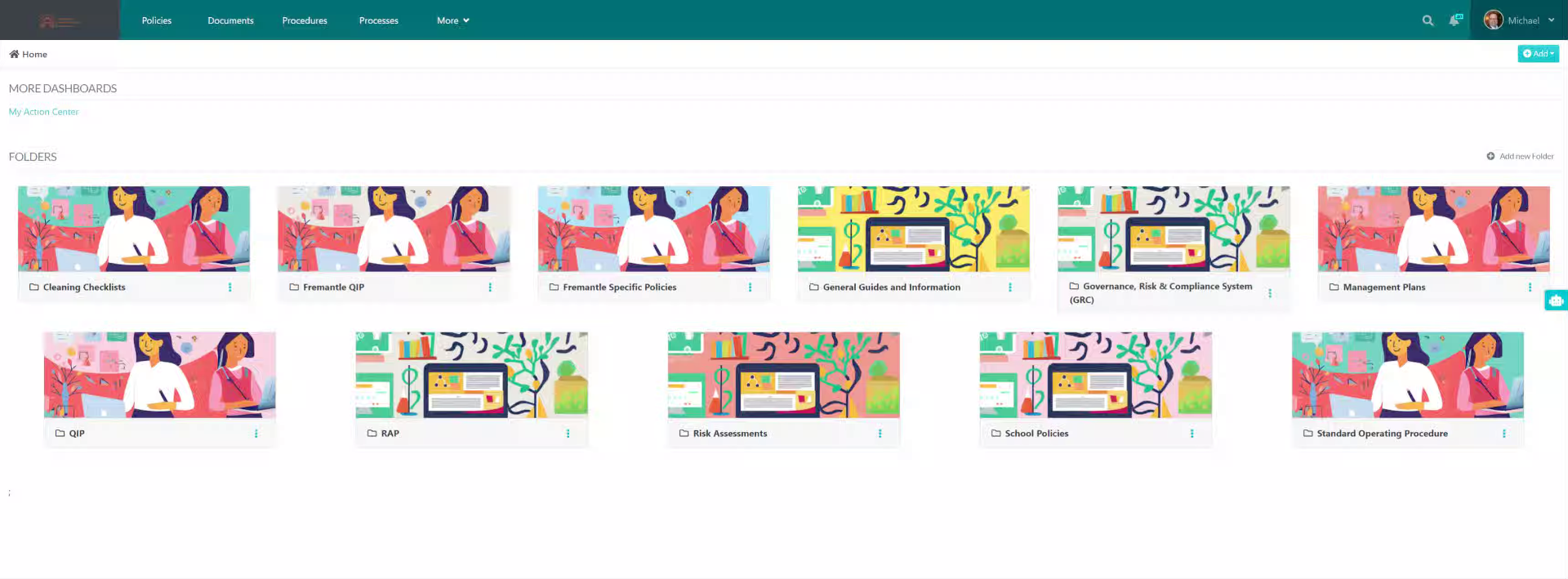
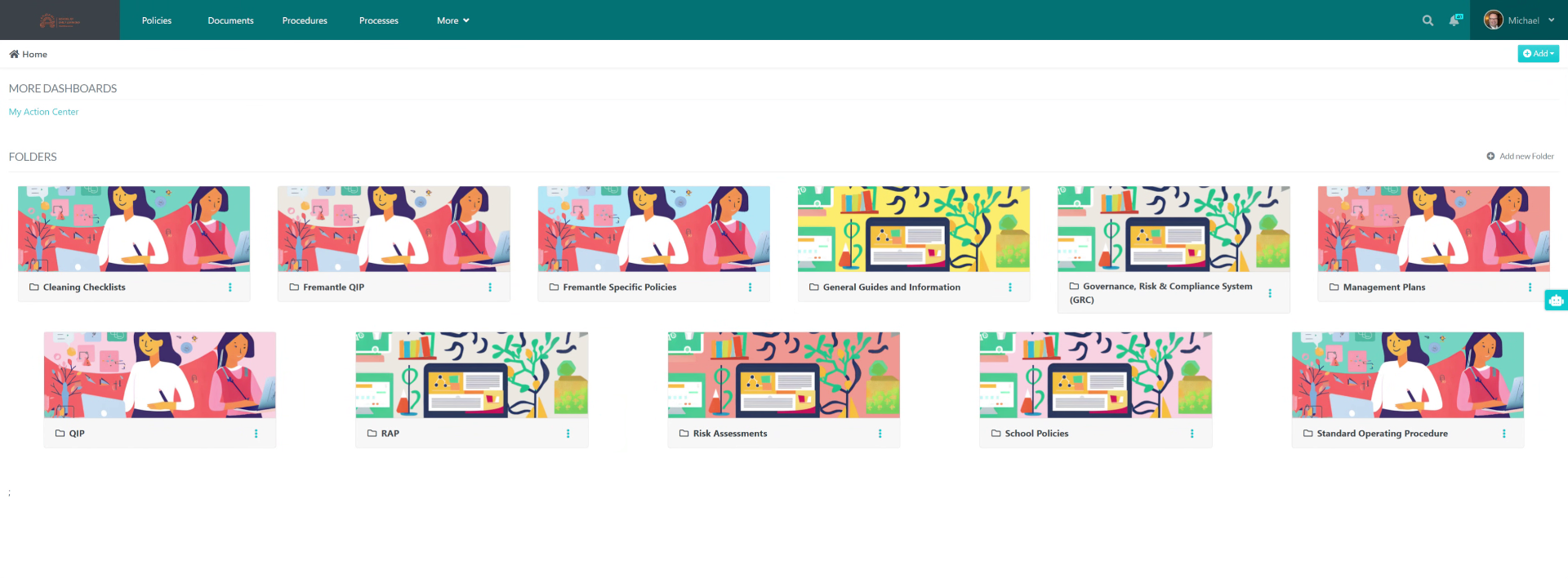
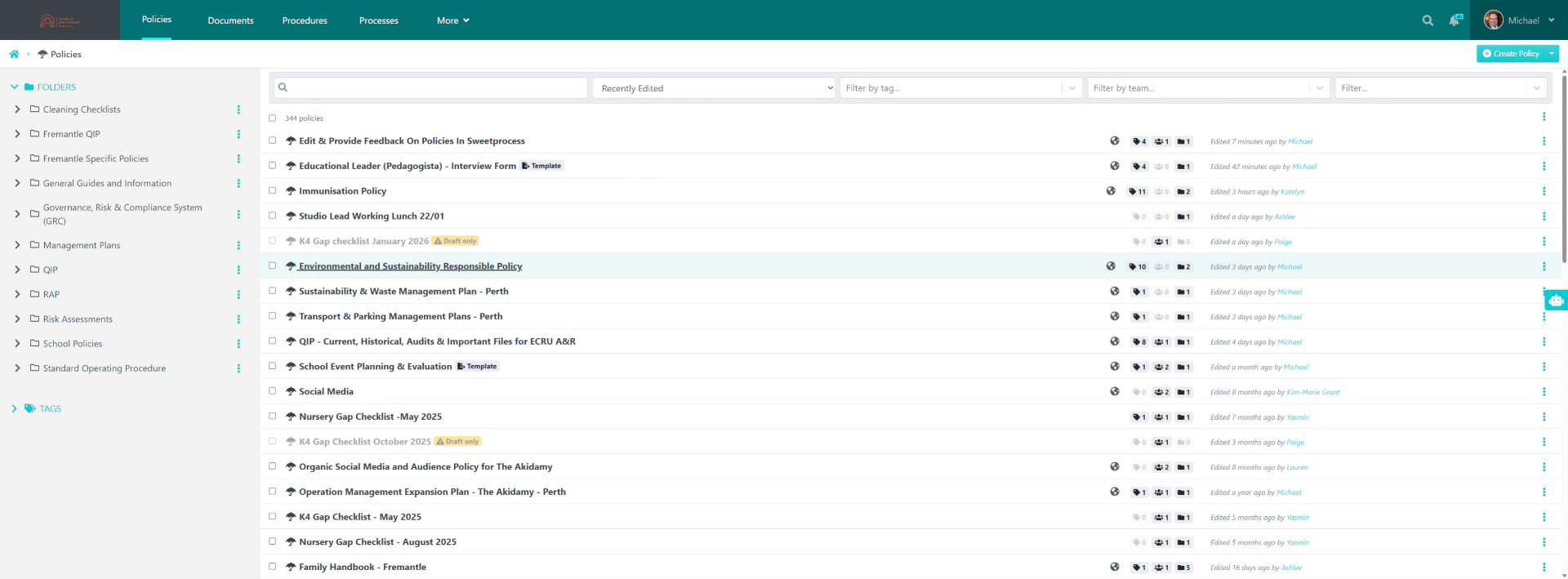
For an activity, for example, say you're having meeting minutes, an interview sheet or a checklist; go into policies, select the item, but you want to create a template.
3. Select Example Template
For example, the one I'm using is the family handle Go to go to the end.
4. Click Template Options Menu
Click here.
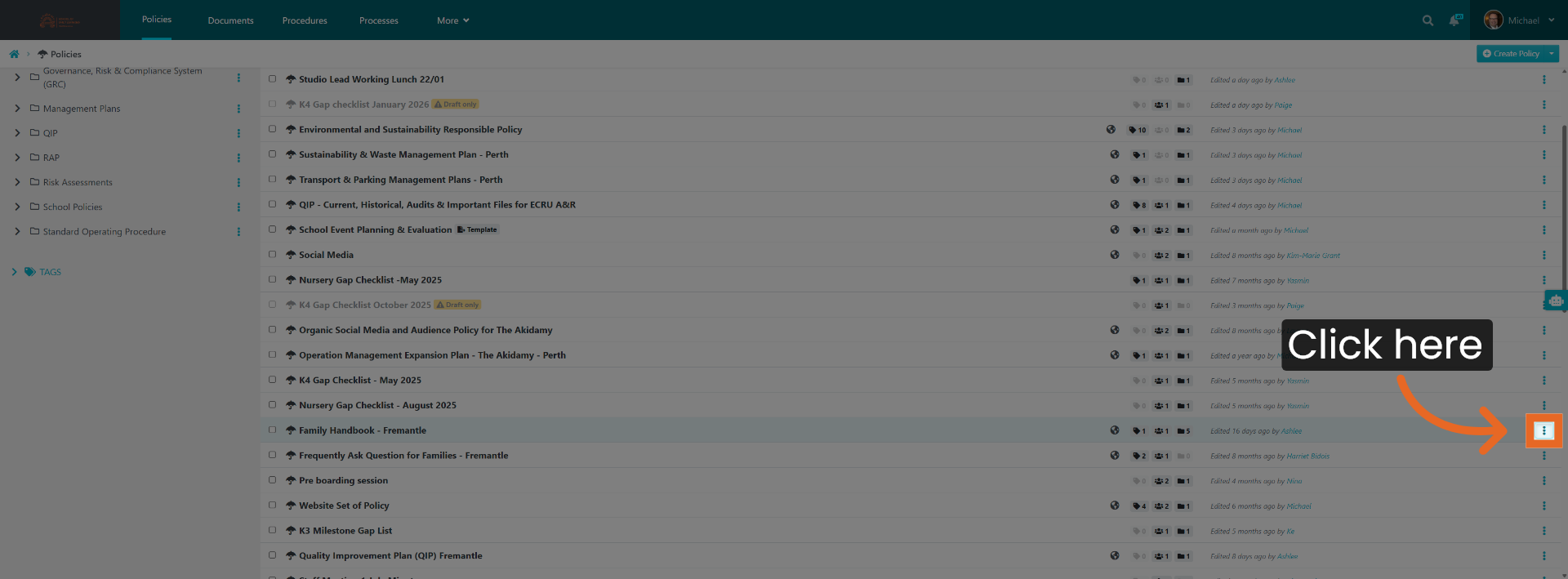
5. Open Template Marking Menu
Go to the 3 dots, and you press Market Temple.
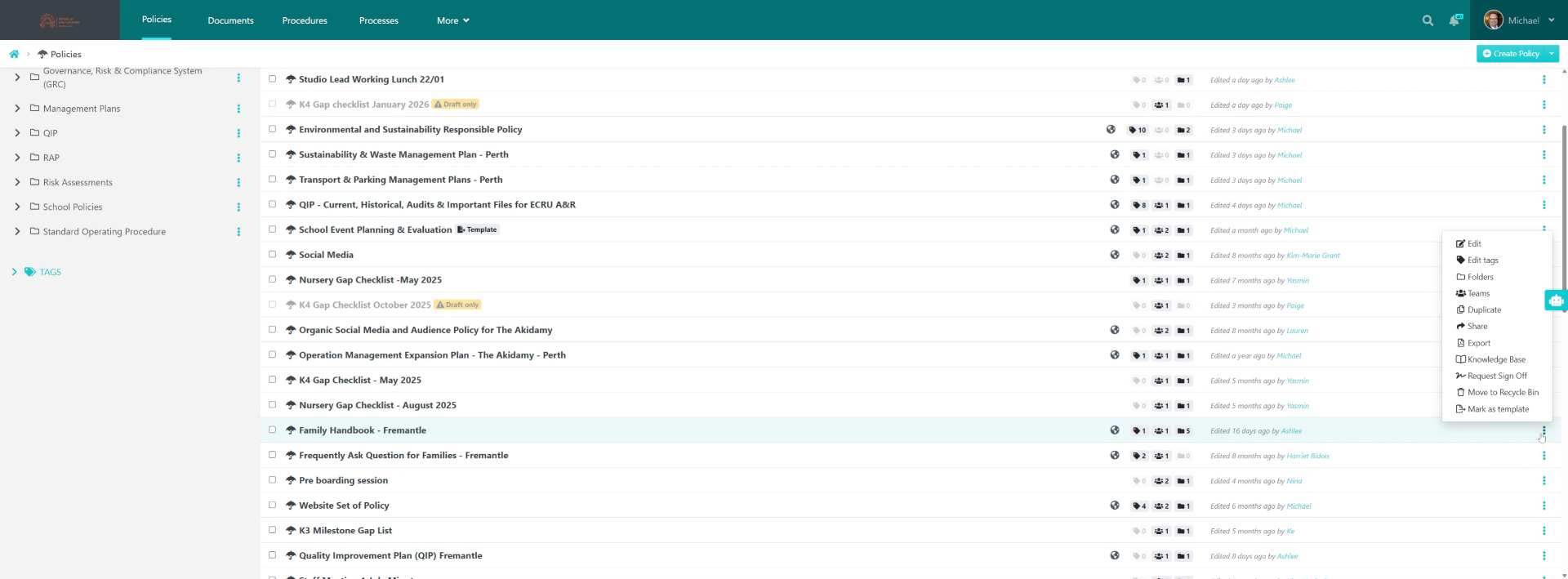
6. Mark Item As Template
Click "Mark as template".
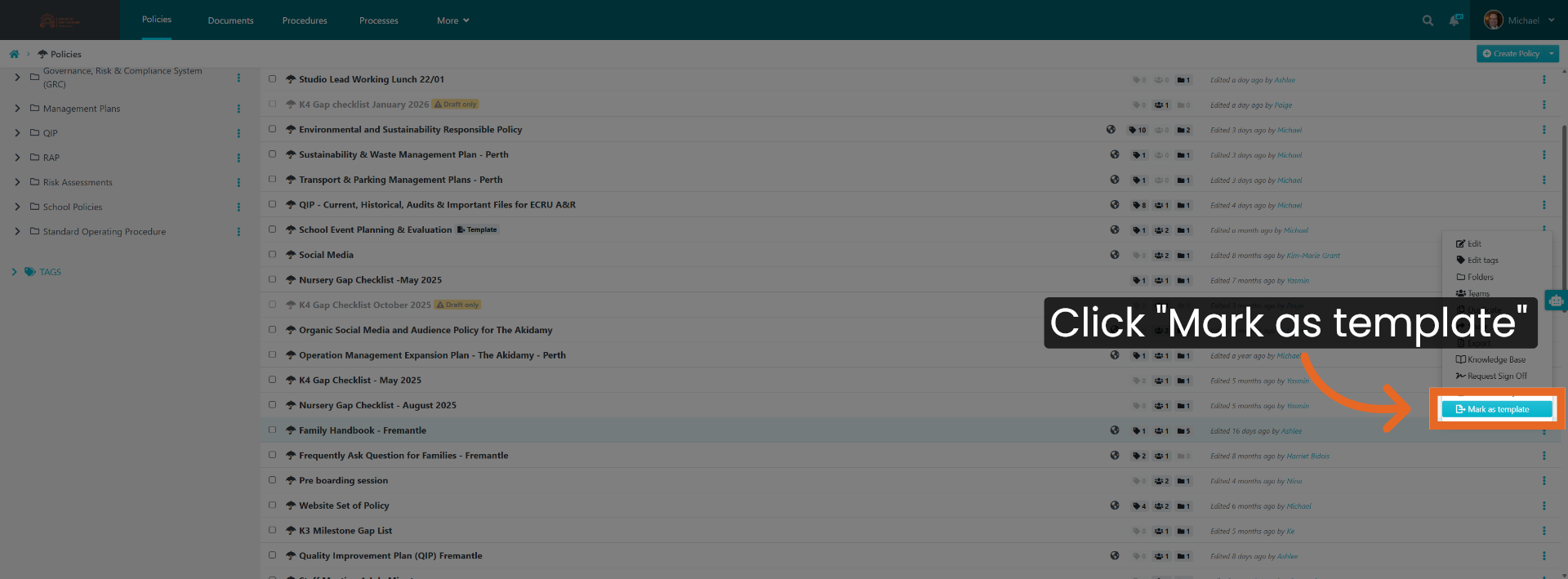
7. Confirm Template Storage
Now, that file would automatically go into the template directory.
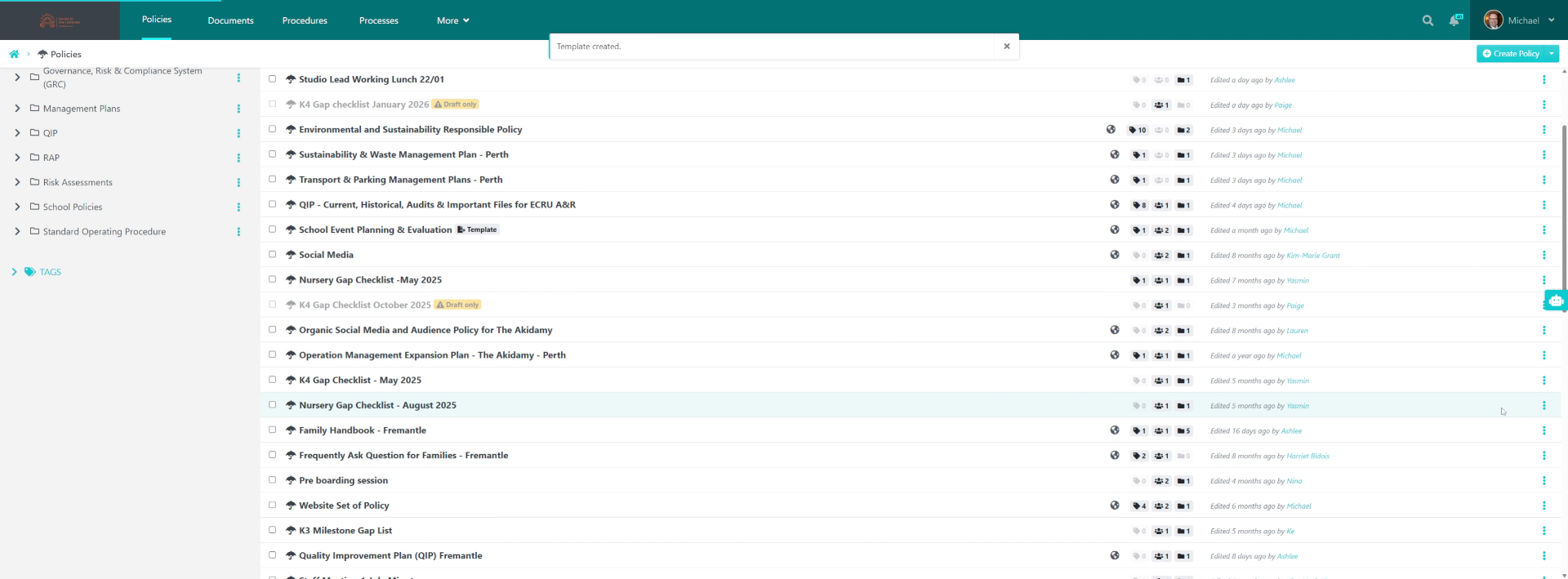
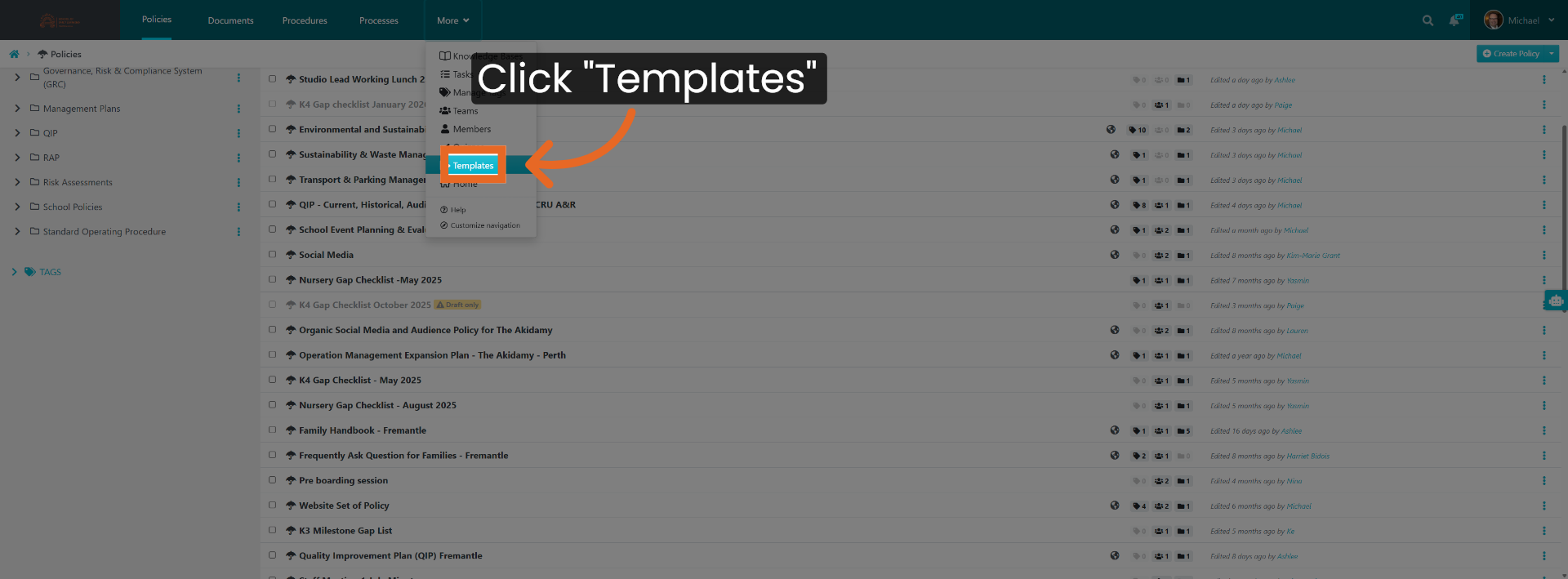
8. Access Templates Section
Click "Templates".
9. Select Desired Template
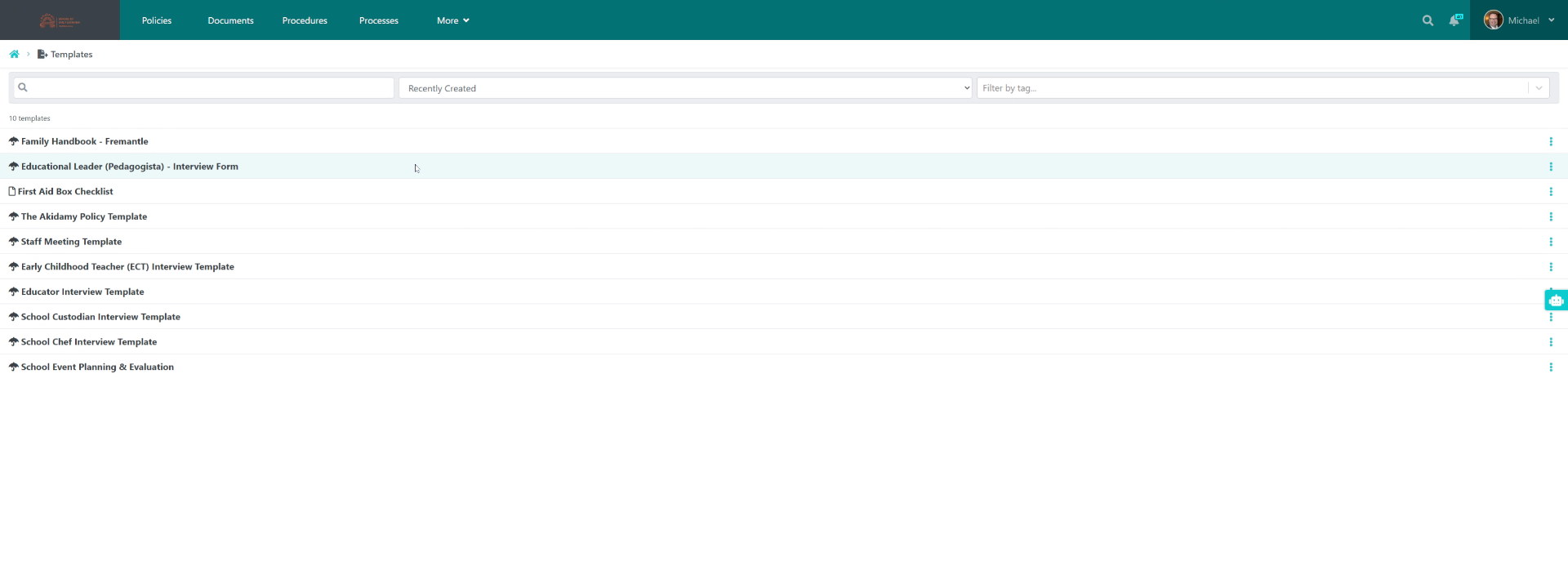
What you can see here are those items. Now if you want to use the simply select the template you want to use.
10. Respond To Template Prompt
Prompt you to.
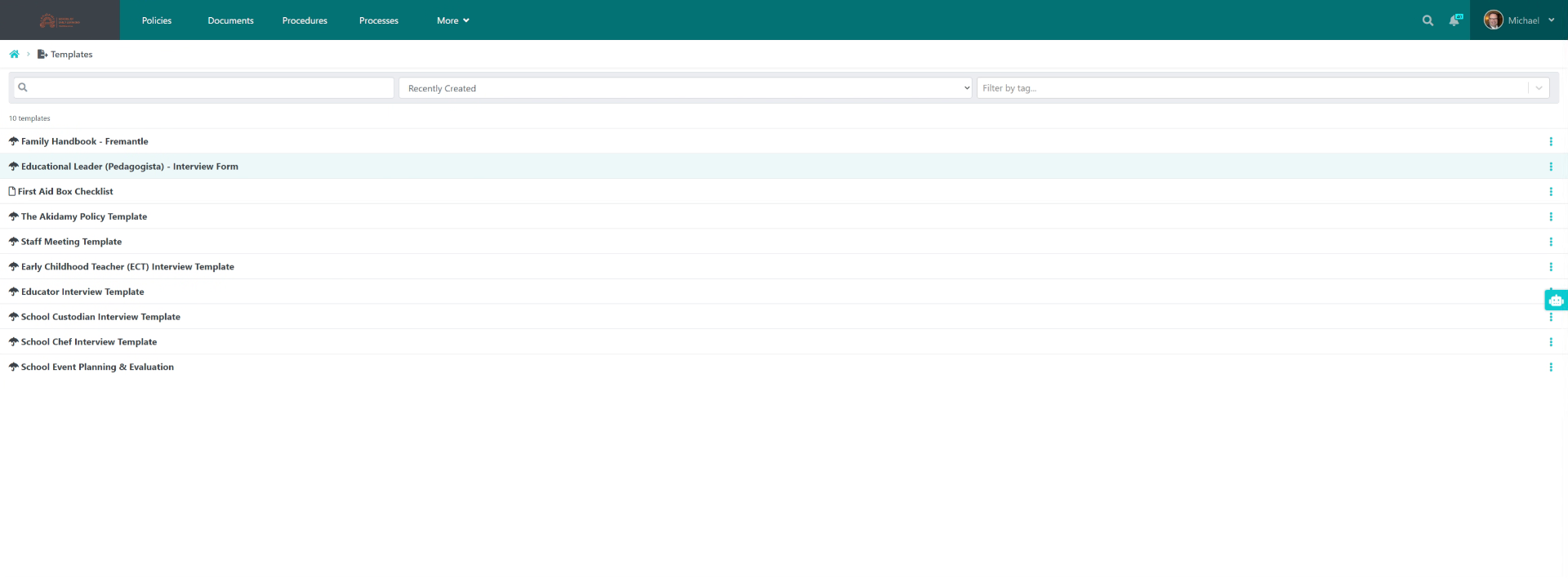
11. Choose Interview Form Template
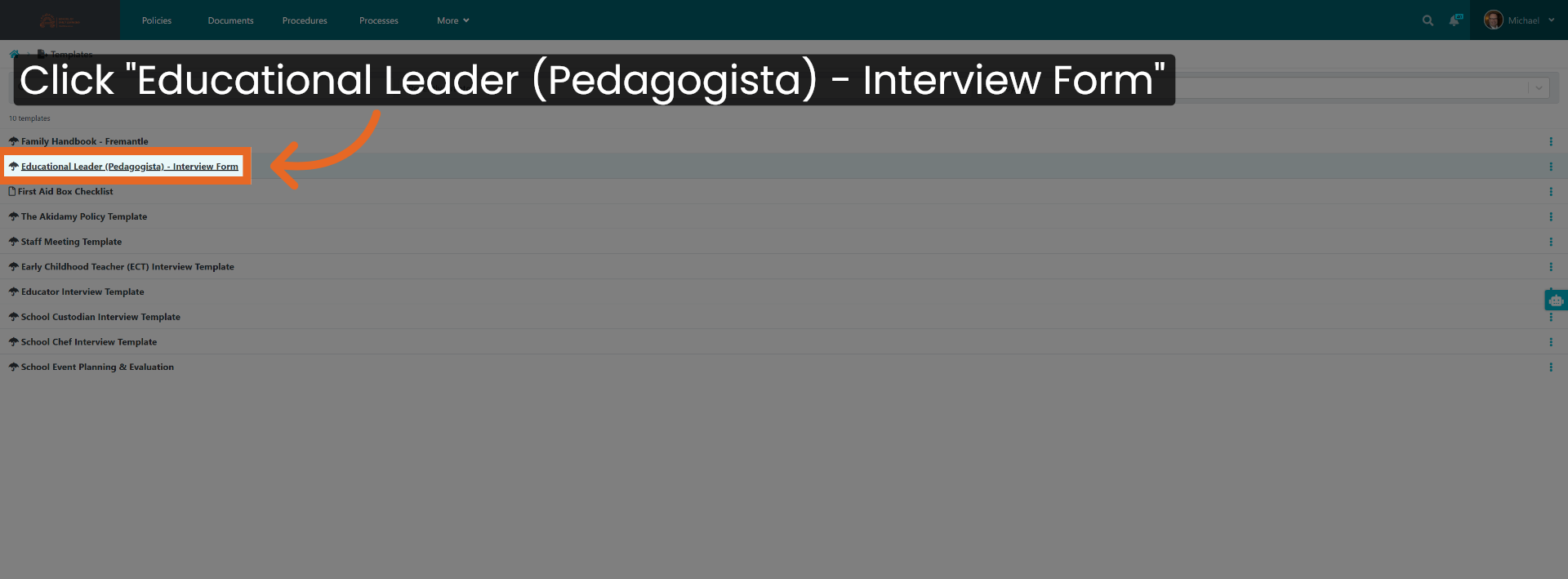
Click "Educational Leader (Pedagogista) - Interview Form".
12. Name Your New Template File
Name it. when you use the template, Then that file.
13. Locate Stored Template
Will automatically be stored. In your policies under the name that you had set up.
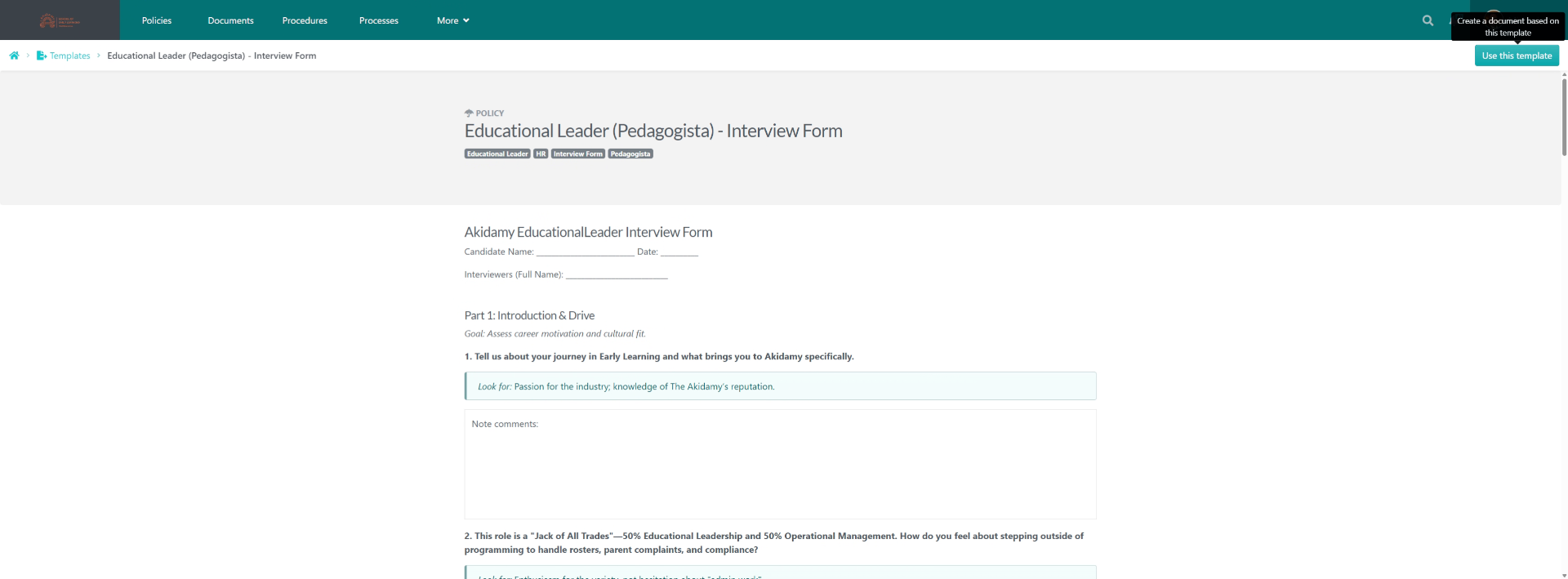
You have successfully created and stored a template in SweetProcess, enabling easy reuse for future tasks. Next, explore customising templates or managing your template library for enhanced workflow efficiency.
Did this answer your question?
If you still have a question, we’re here to help. Contact us