
How to create Roles for Teams in SweetProcess
Roles help you to group users by responsibility within a Team in SweetProcess.
-
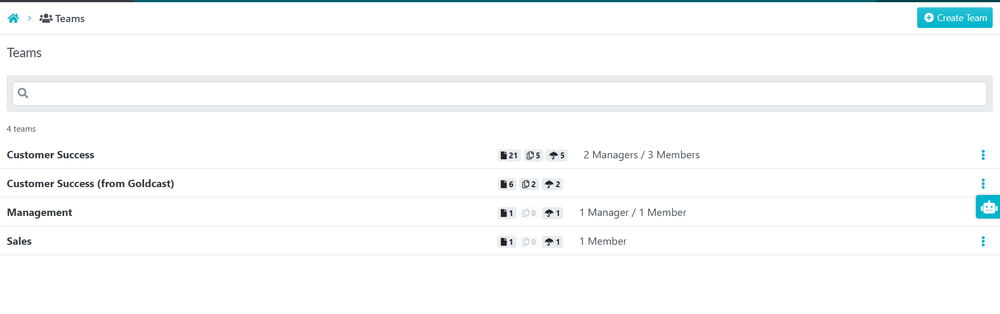
1Navigate to Teams sectionClick on Teams and access the Team section.
-
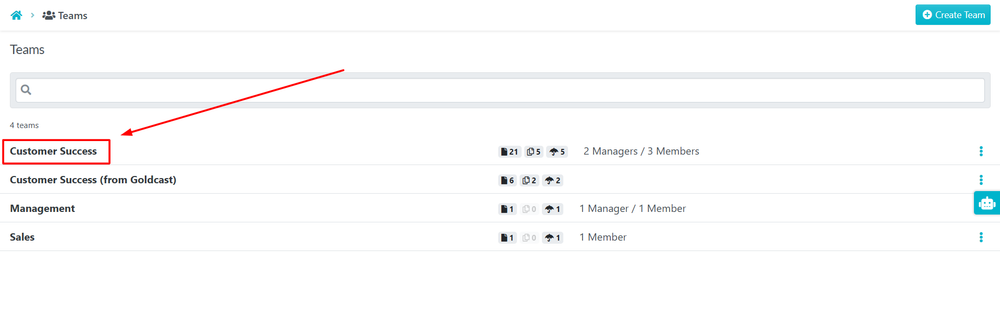
2Select the TeamClick on Team where you want to create the Role.
-
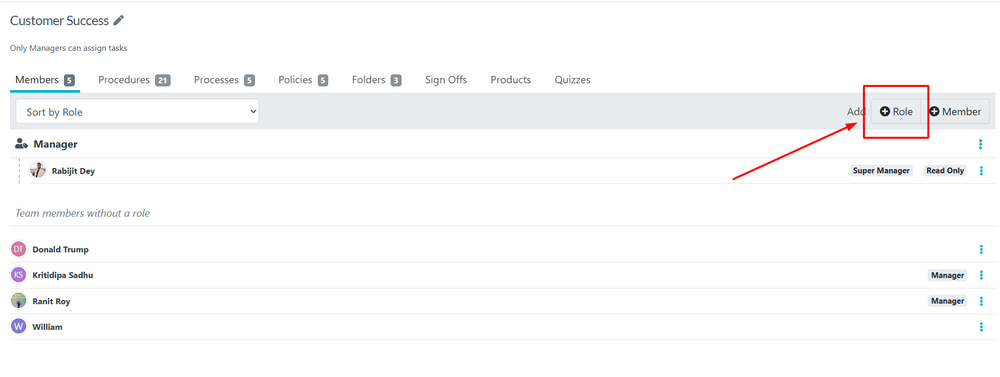
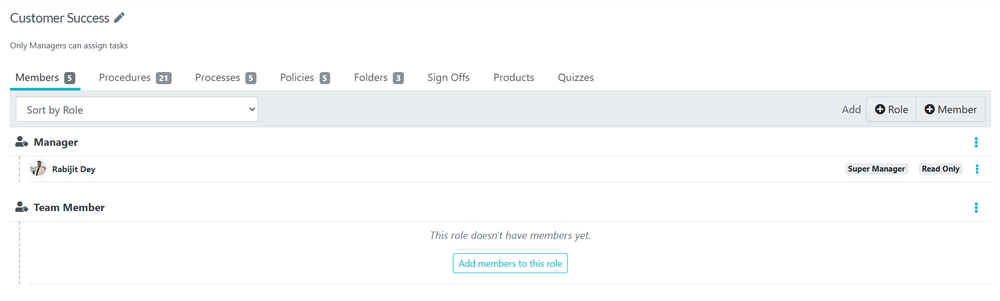
3Create the RoleUnder Members Tab click +Role to create the Role you want.
 Type the name of the Role you want to Create and click Confirm.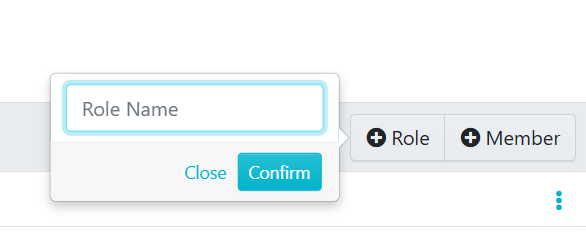
-
4Assign Members to the RoleOnce the Role is created you can assign Members to it.
Did this answer your question?
If you still have a question, we’re here to help. Contact us