
How to Export All Procedures, Policies, and Diagrams
This guide explains how to export all procedures, policies, and diagrams from SweetProcess in one go.
-
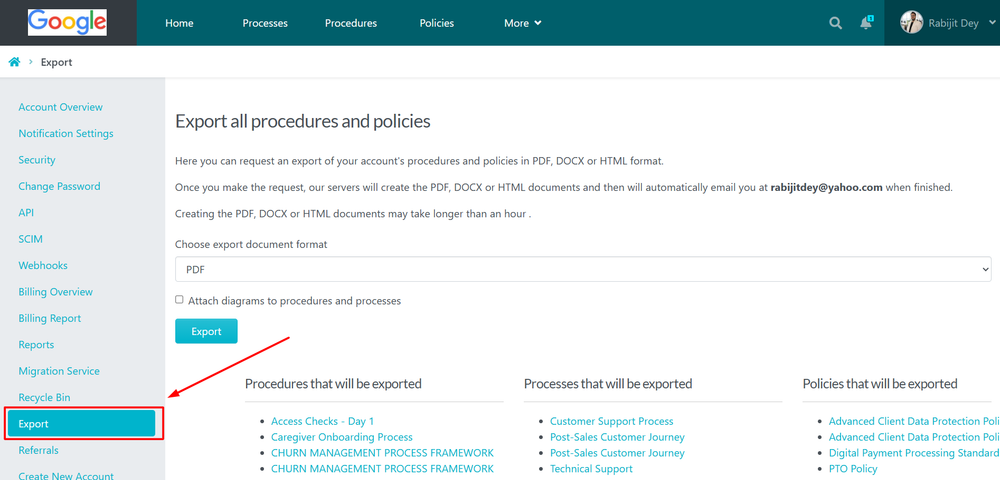
1Navigate to Export SettingsFrom the Account Overview page, click Export in the left sidebar menu.
-
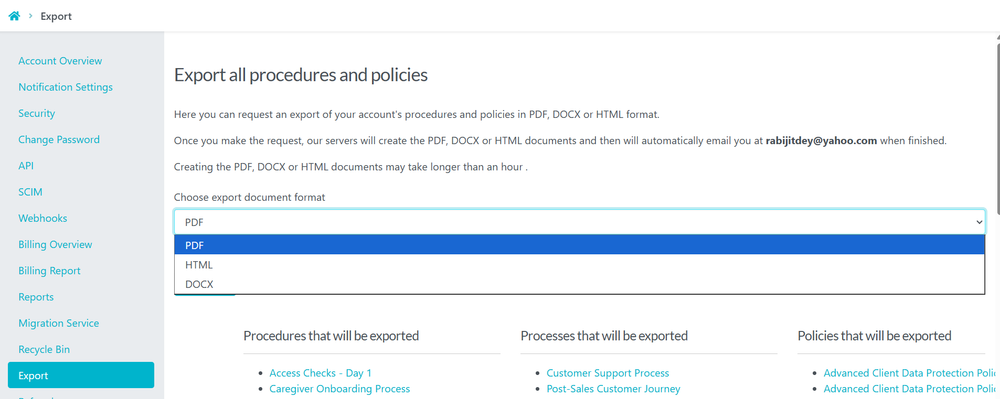
2Choose the Export FormatSelect the desired export format (PDF, HTML, or DOCX) from the export document format dropdown.
-
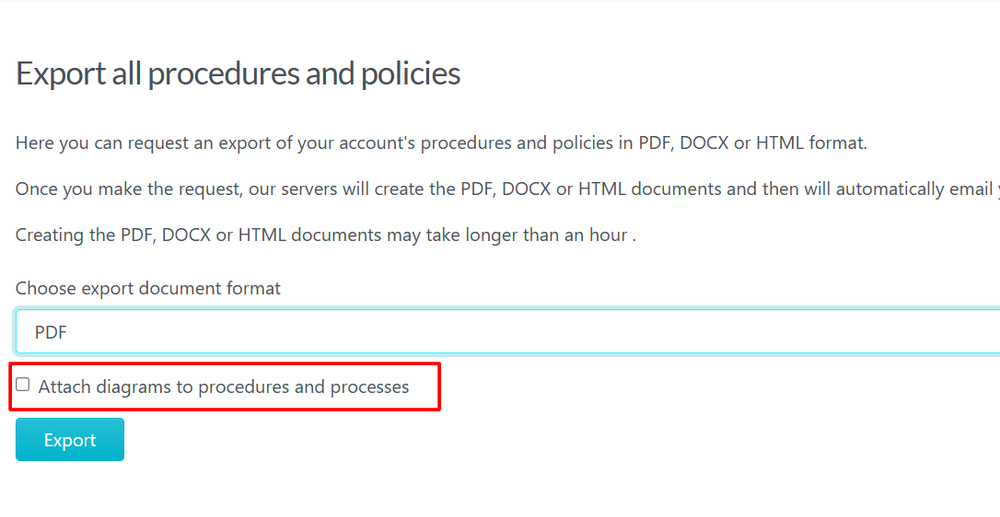
3Optional: Include DiagramsEnable the option to attach diagrams to procedures and processes if you want diagrams included in the export package.
-
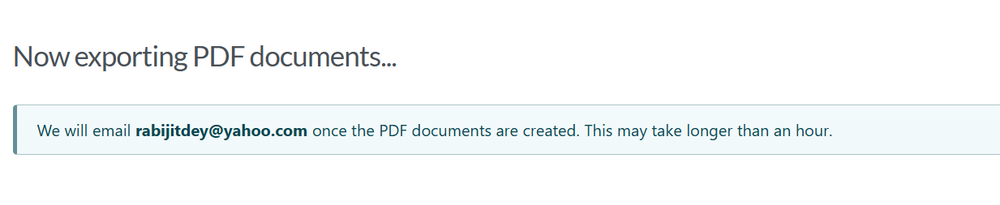
4Start the ExportClick the Export button. SweetProcess will generate the export and send the completed files to your registered email address.
Did this answer your question?
If you still have a question, we’re here to help. Contact us