
How to check who has access to a particular Procedure
-
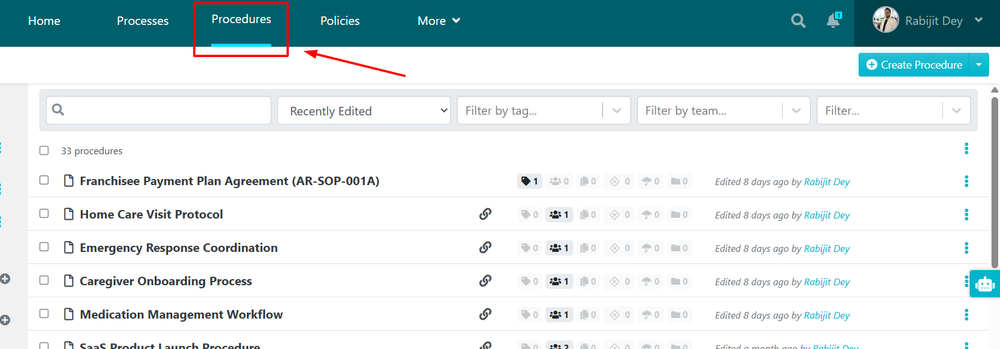
1Navigate to ProceduresClick to the Procedure Tab which has the list of all created Procedures.
-
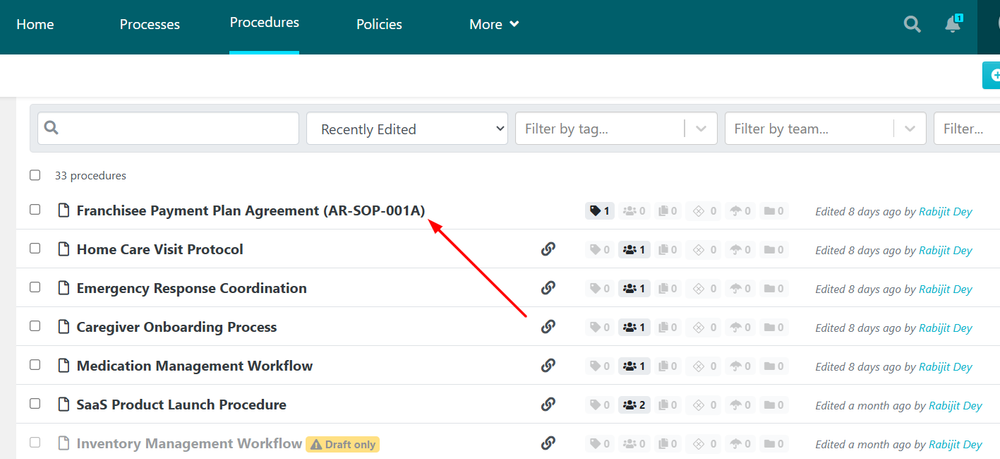
2Select the ProcedureClick on the Procedure where you want to see the list of members who has access to it.
-
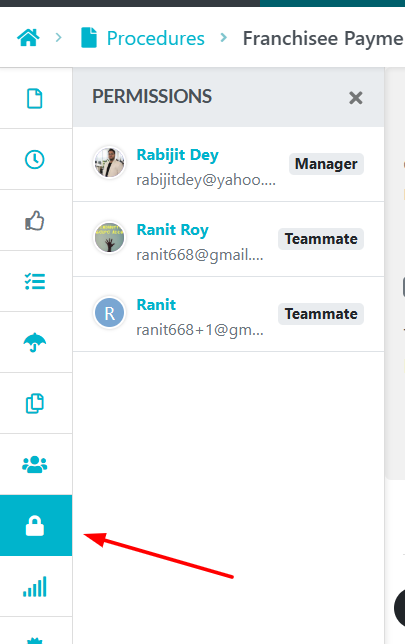
3Click on Permissions TabClick on the Permissions Tab (Lock Icon) and you can see the list of Team Members who has access to this particular Procedure.
-
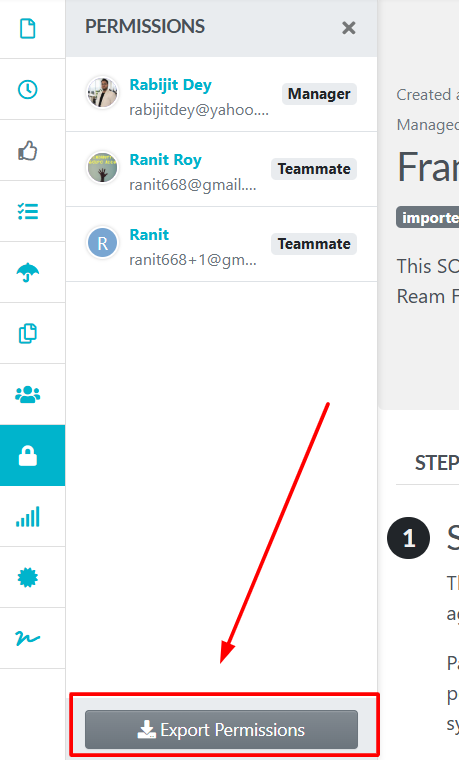
4(Optional) Exporting the listClick Export Permissions to export the list as an Excel file and save it on your system.
Did this answer your question?
If you still have a question, we’re here to help. Contact us